


Custom Search Plugin for WordPress – Smarter Search Results
Upgrade your WordPress search bar with support for custom post types, taxonomies, and fields. Deliver accurate results and a better user experience.
downloads Version 1.51
Last updated 6 months ago
Requires WP 5.6
Upgrade to Custom Search Pro...
Description
Why Choose Our WordPress Custom Search Plugin?
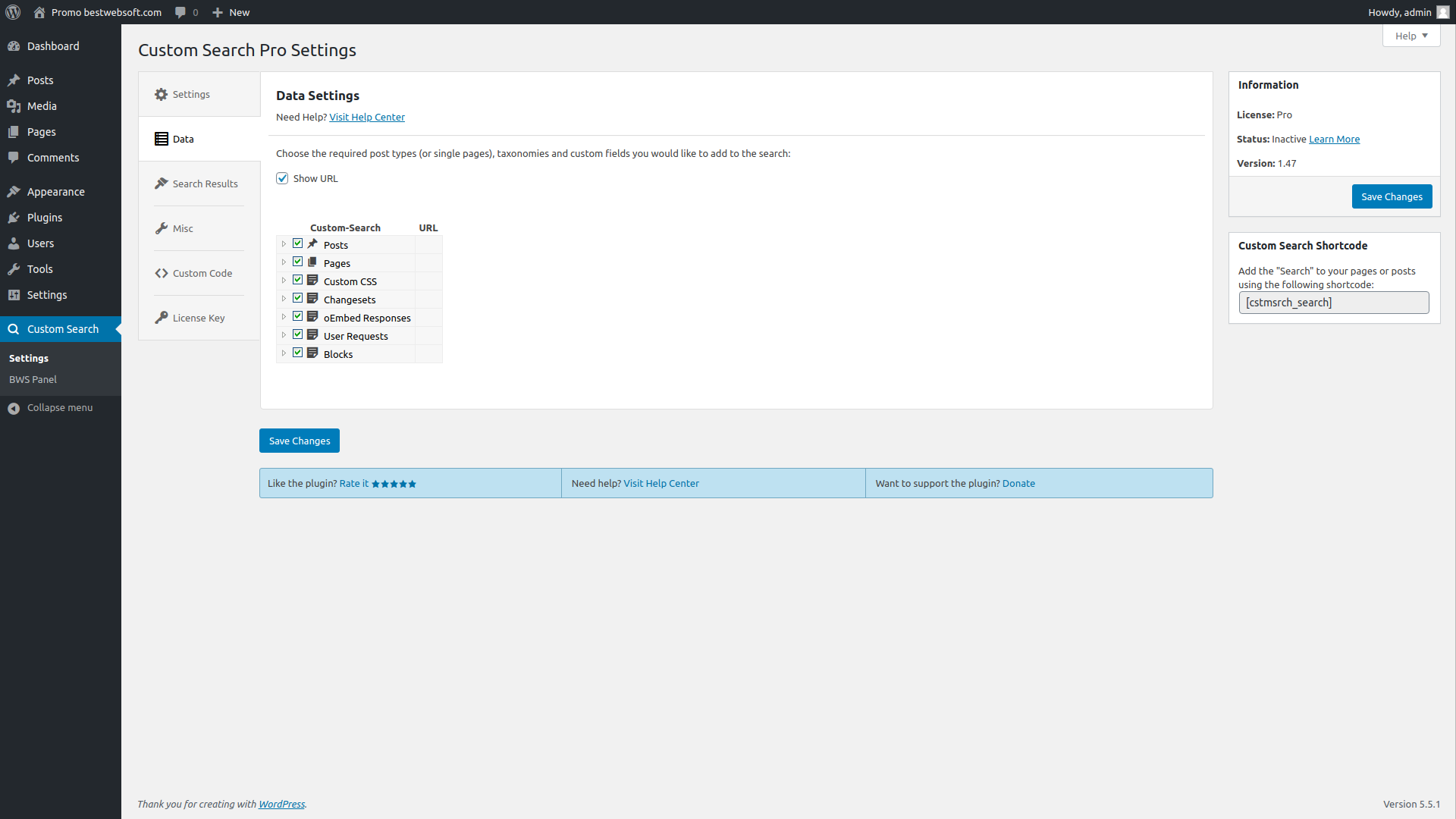
- Custom Post Type Search: Add support for galleries, portfolios, jobs, real estate listings, cars, and more.
- Taxonomy Support: Include post tags, categories, and custom taxonomies in search queries.
- Custom Fields Search: Let visitors search meta information from plugins or custom setups.
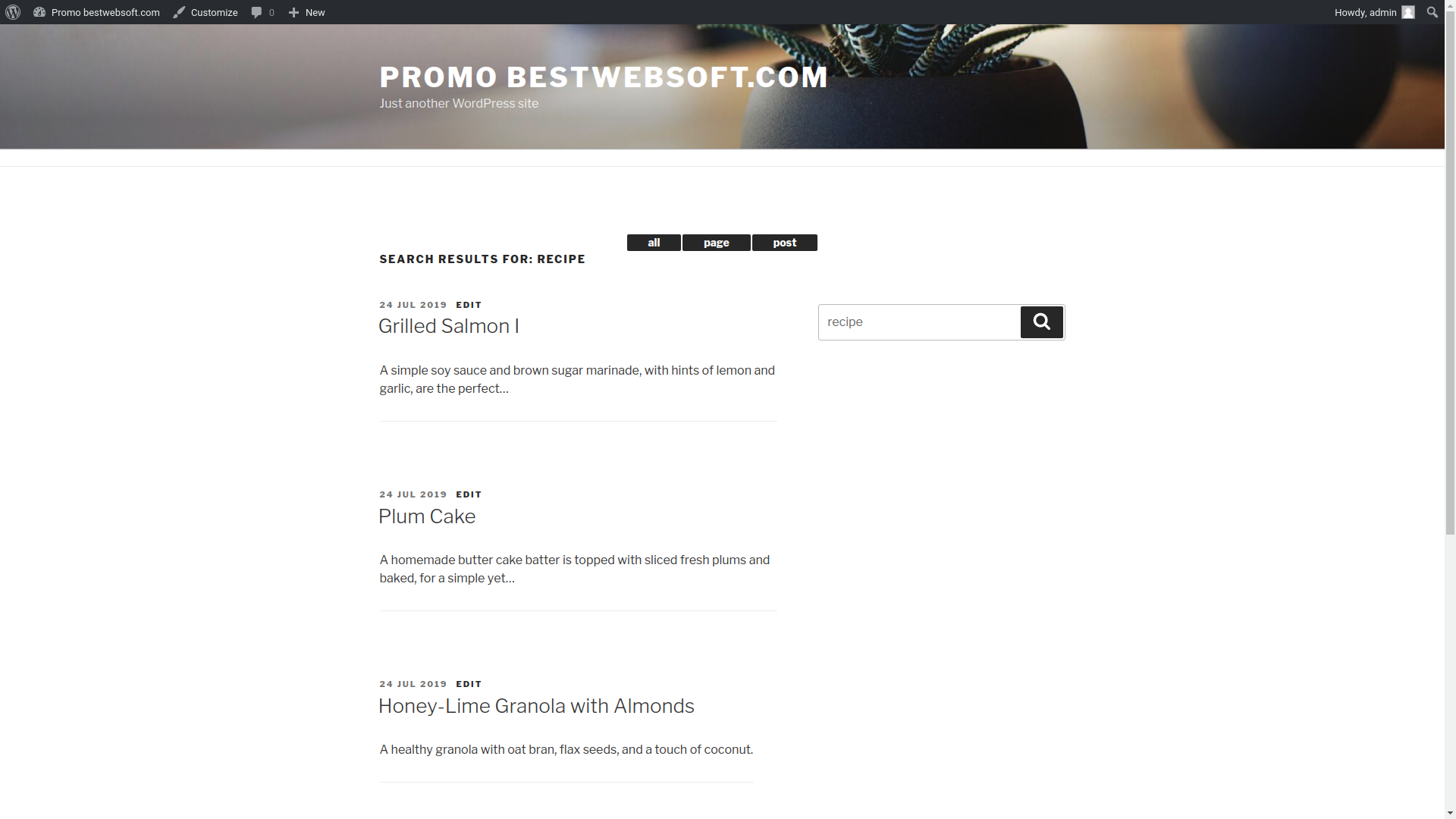
- Flexible Layout: Display search results in a traditional list or organized tabbed layout.
- Multilingual Ready: Fully compatible with the Multilanguage plugin by BestWebSoft.
- Easy Integration: Quick setup without writing a single line of code.
- Seamless Compatibility: Works with most themes and WordPress setups out of the box.
- Optimized Performance: Lightweight and efficient for fast searches with minimal load.
- RTL & Translation Support: Ready for multilingual and right-to-left languages.
How to Enable Custom Search in WordPress
- Install the Plugin: Navigate to Plugins → Add New, search for “Custom Search by BestWebSoft,” then install and activate it.
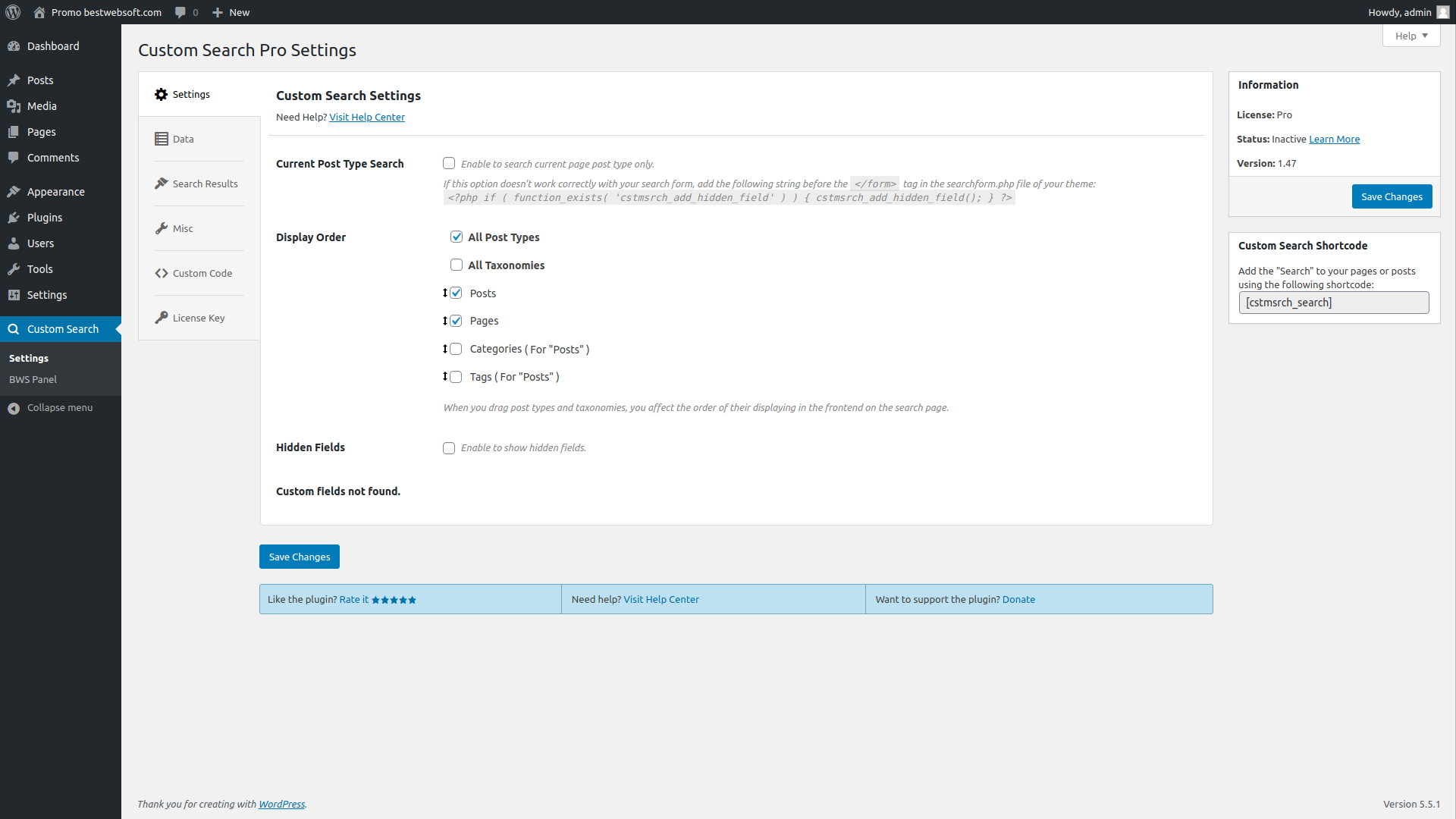
- Configure Settings: Choose which post types, taxonomies, and fields to include in search results.
- Select Layout: Pick between list or tabbed layout for search display.
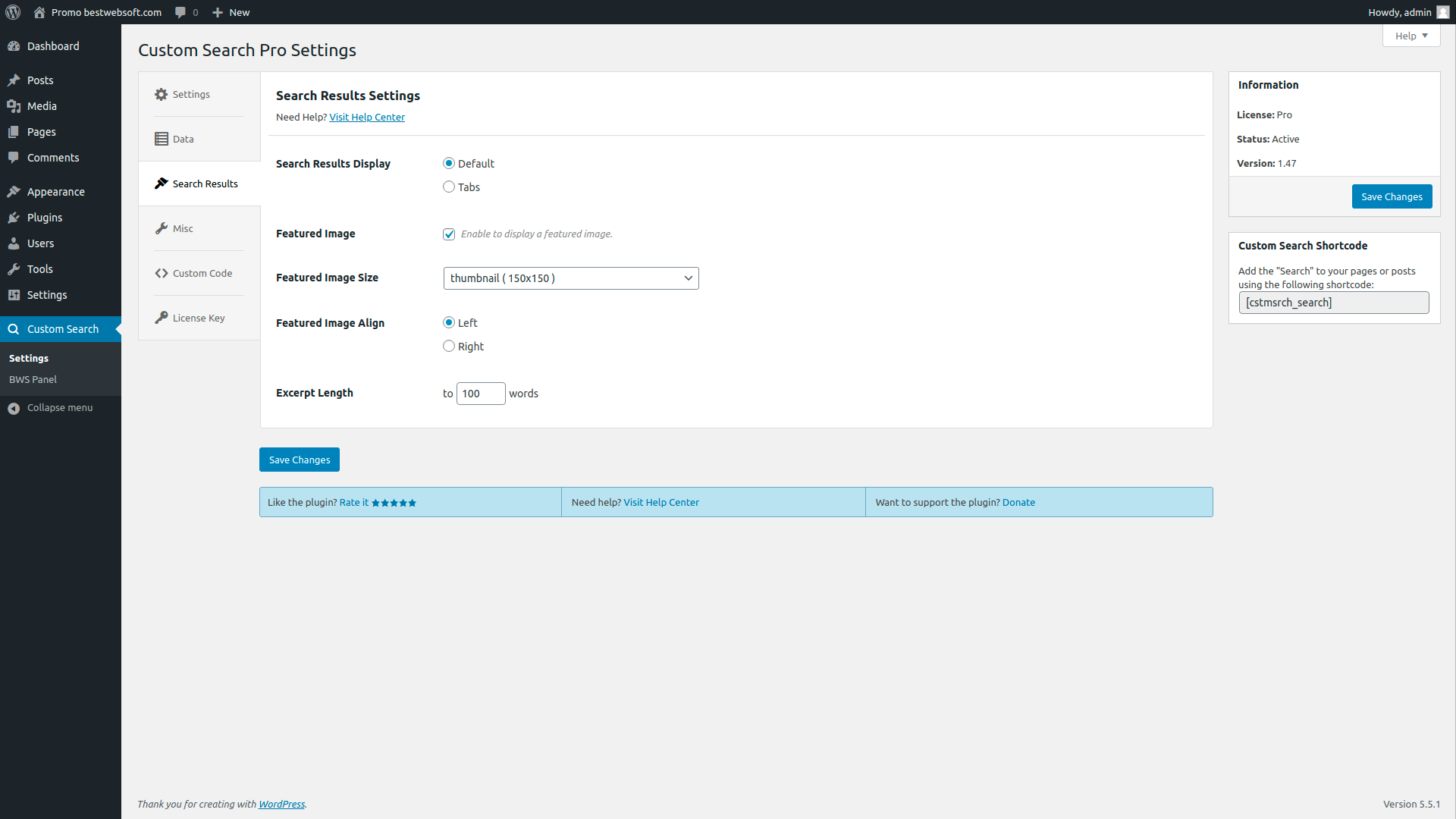
- Optimize Display: Adjust additional options like excerpt length or featured image settings (Pro).
- Save and Test: Perform a search to view the enhanced search results in action.
That’s it! Your visitors will now enjoy smarter search results, improved relevance, and a better overall user experience on your WordPress site.
Documentation & Videos
User Guide
Installation
Brief Overview
Purchase, Installation & Configuration
Installation Instruction
We are constantly update the existing translations and add new to the list.
Custom Search Free vs Pro – Upgrade WordPress Search Experience
Compare the free and premium features of Custom Search by BestWebSoft to see which version fits your site’s needs. The Pro version adds more control, better visuals, and powerful filtering options.
Main Features – Free vs Pro
| Feature | Free Version | Pro Version |
|---|---|---|
| Search Custom Post Types | ✔️ | ✔️ |
| Search Custom Taxonomies | ✔️ | ✔️ |
| Search Custom Fields | ✔️ | ✔️ |
| Tabbed Search Layout | ✔️ | ✔️ |
| Multilanguage Plugin Integration | ✔️ Basic | ✔️ Enhanced |
| Disable Search on Specific Pages/Post Types | — | ✔️ |
| Display Featured Images in Results | — | ✔️ (with size/align options) |
| Custom Excerpt Length | — | ✔️ |
| Custom Code Injection (Hooks) | — | ✔️ |
| Premium Support | Community only | ✔️ 1 business day reply |
Enhance WordPress Search Today
With Custom Search by BestWebSoft, your site’s search functionality becomes smarter and more flexible. The Pro version lets you fine-tune the output, show images, control page-specific behavior, and deliver better results to your users.
Whether you run a blog, portfolio, car rental, or job board, our plugin helps users find what they’re looking for — fast.
Pro Features
- Disable Search on Specific Pages/Post Types: Exclude certain pages or post types from custom search results.
- Custom Post Types & Taxonomies Order: Configure the display order of custom post types and taxonomies on the search results page.
- Featured Image Display: Show featured images for search results with options to choose size and alignment (left or right).
- Search by Current Page Post Type: Limit search to the post type of the current page for better relevance.
- Excerpt Length Control: Adjust the length of excerpts displayed in search results to fit your design.
- Custom Code Injection: Add custom code snippets via plugin settings to extend functionality.
- Priority Support: Get answers to your questions within one business day according to our Support Policy.

Simple settings for fast setup without modifying code.

We honor all refund requests within 30 days after your purchase. If you are not happy then it’s our fault.

The support team that is passionate about their job is here to stay and solve all the questions you have!
FAQ
Yes, you can disable custom search on specific pages or post types to tailor the search experience.
Yes, the plugin allows displaying featured images with options to customize size and alignment (left or right).
Yes, you can configure the display order of custom post types and taxonomies to improve search result relevance.
Yes, you can restrict search results to the post type of the page you are currently viewing.
You can submit a support request and receive a response within one business day according to our Support Policy.
Still have questions? Submit a request

