Tips

You can contact us right now and get a quote on your project, ask questions and get recommendations. This is totally FREE!

Quotes from our clients

"The Website that Ilya completed for us not only exceeded our expectations, but it was all done in very timely manner! We will definitely be requesting Ilya's expertise again in the near future for some of our upcoming projects and I would not hesitate to pass on any recommendations. Dasha as always was very helpful and professional and had no problem in ensuring that everything ran smoothly with this role from start to finish. They are both an asset to BestWebSoft."

Stacy Duggan | SimpleRoam

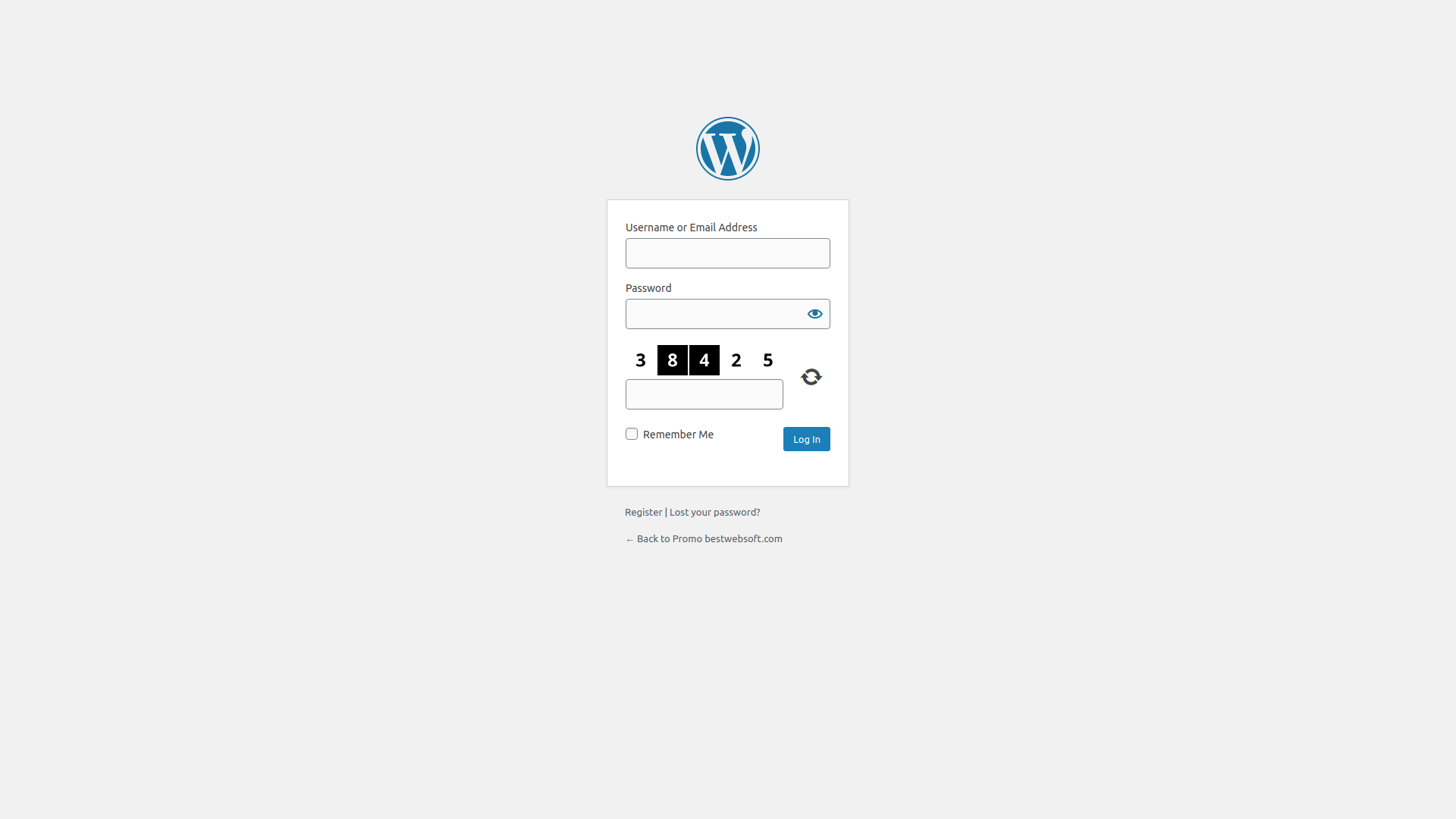
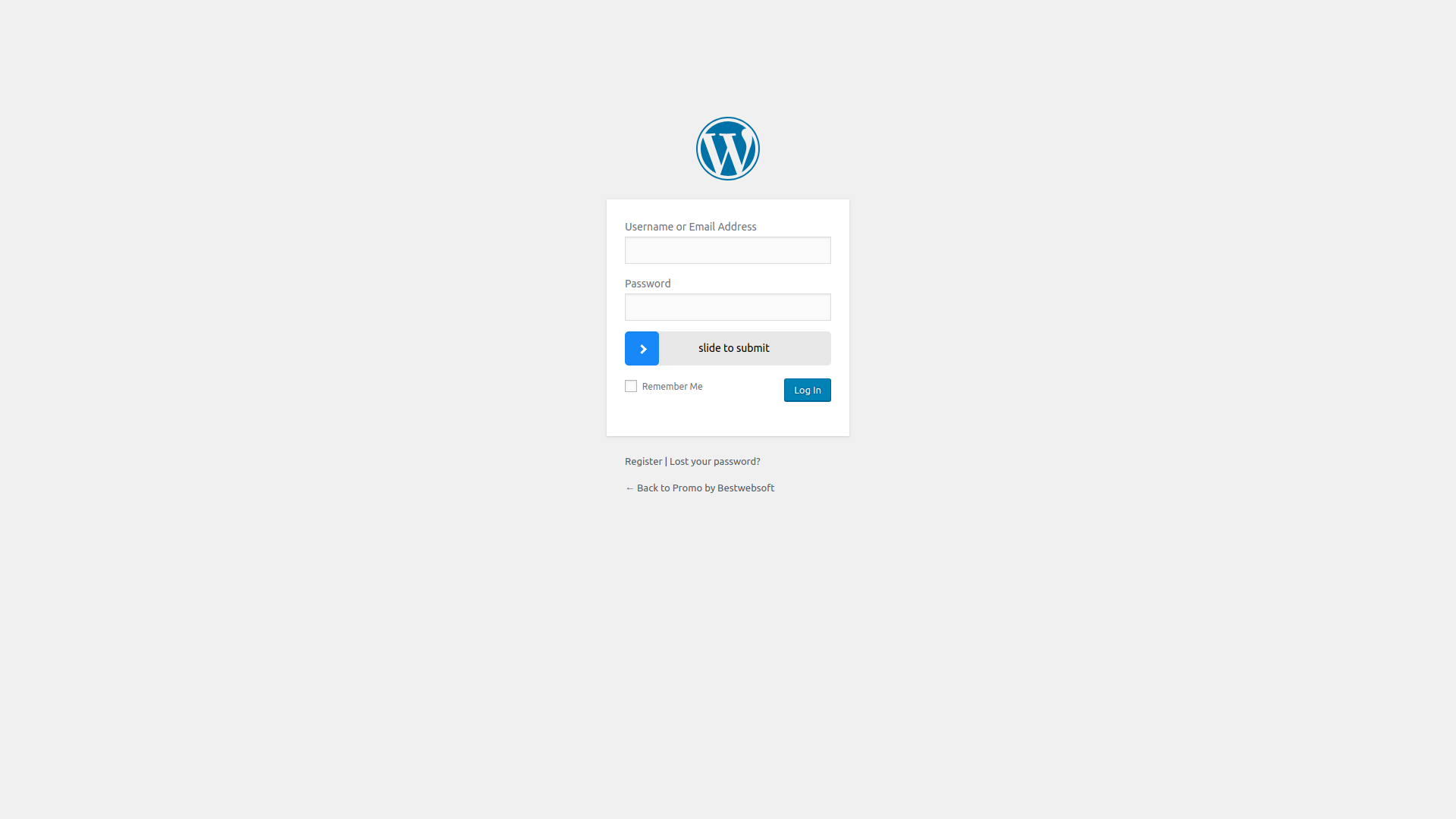
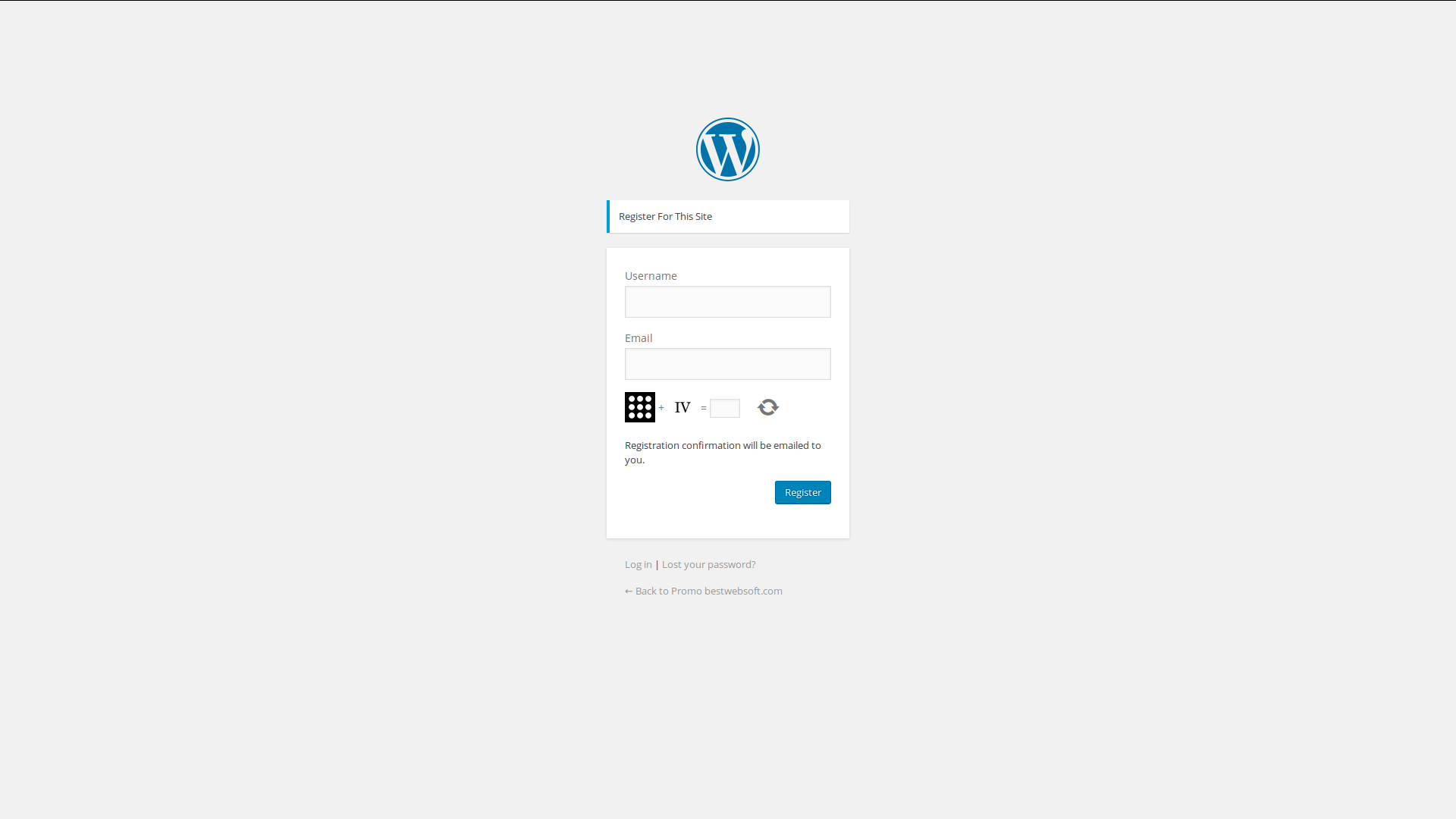
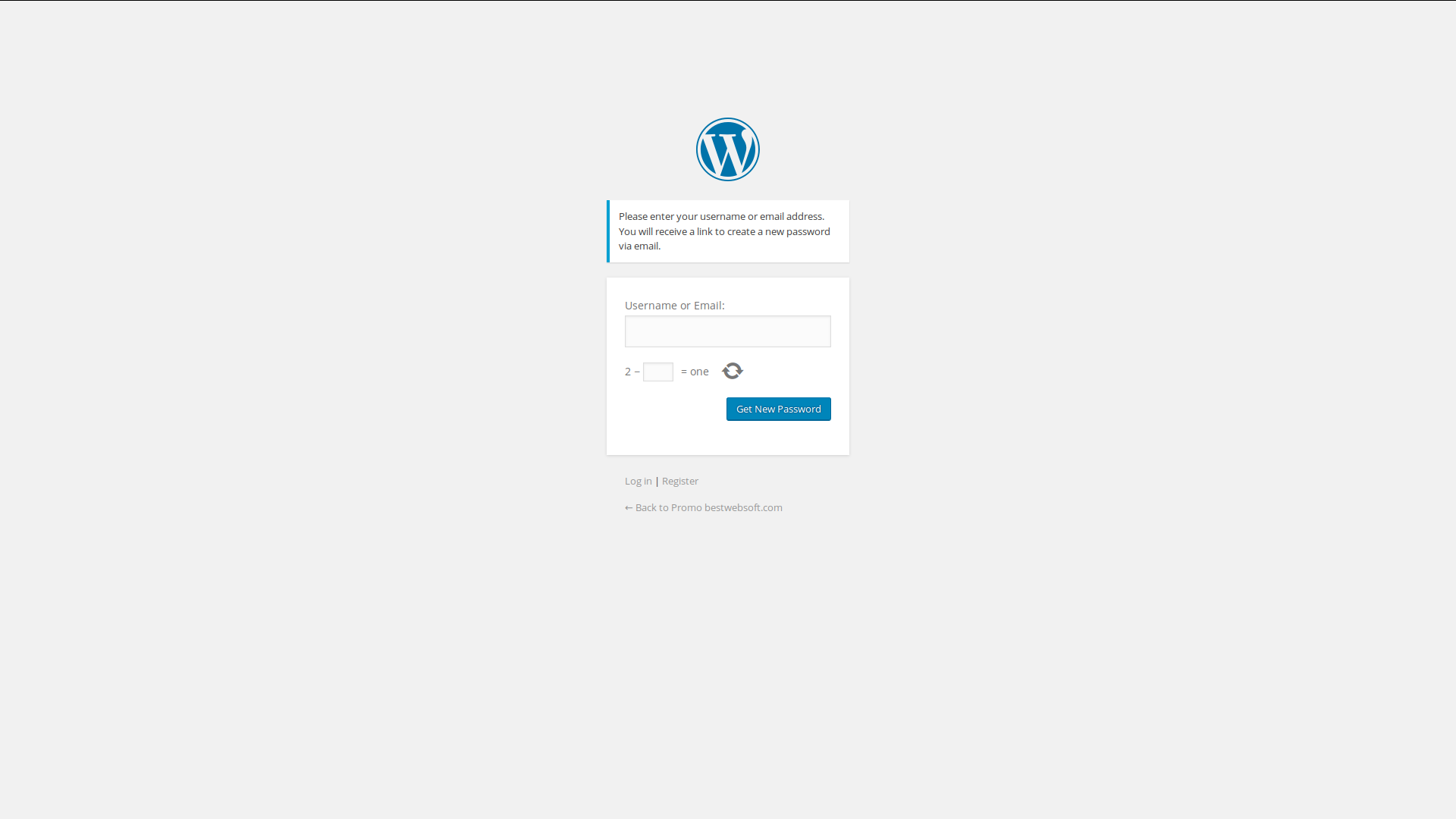
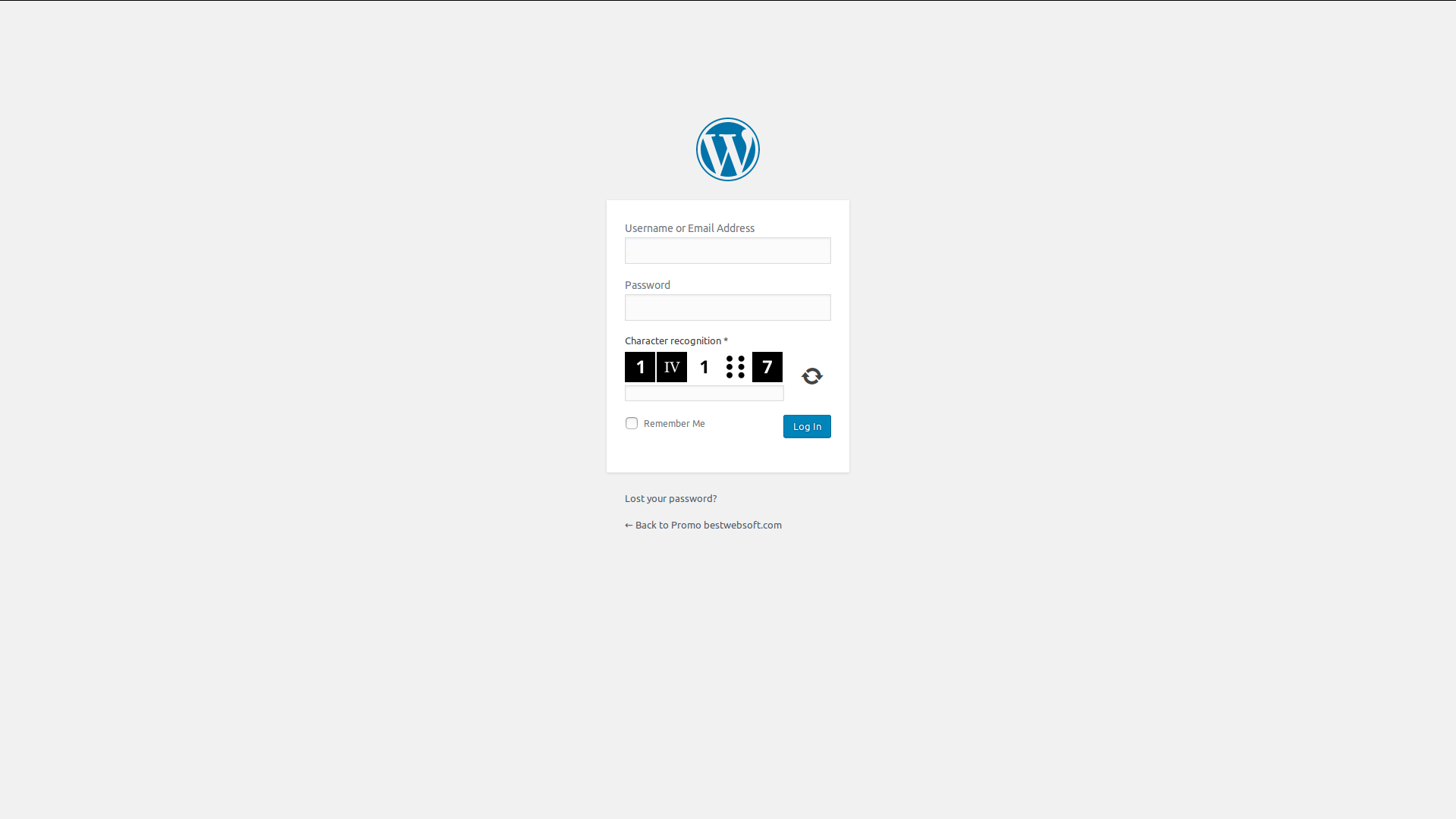
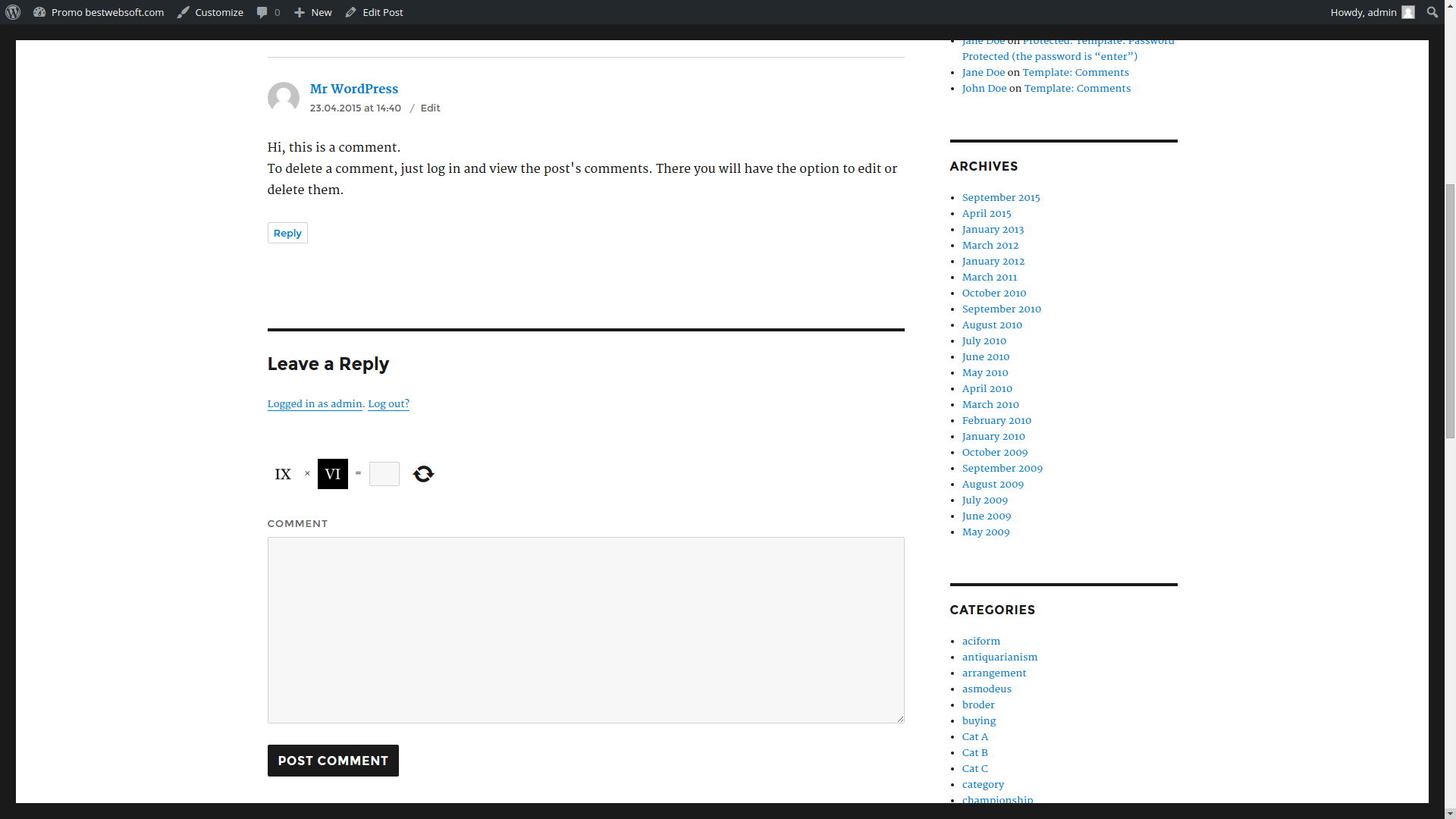
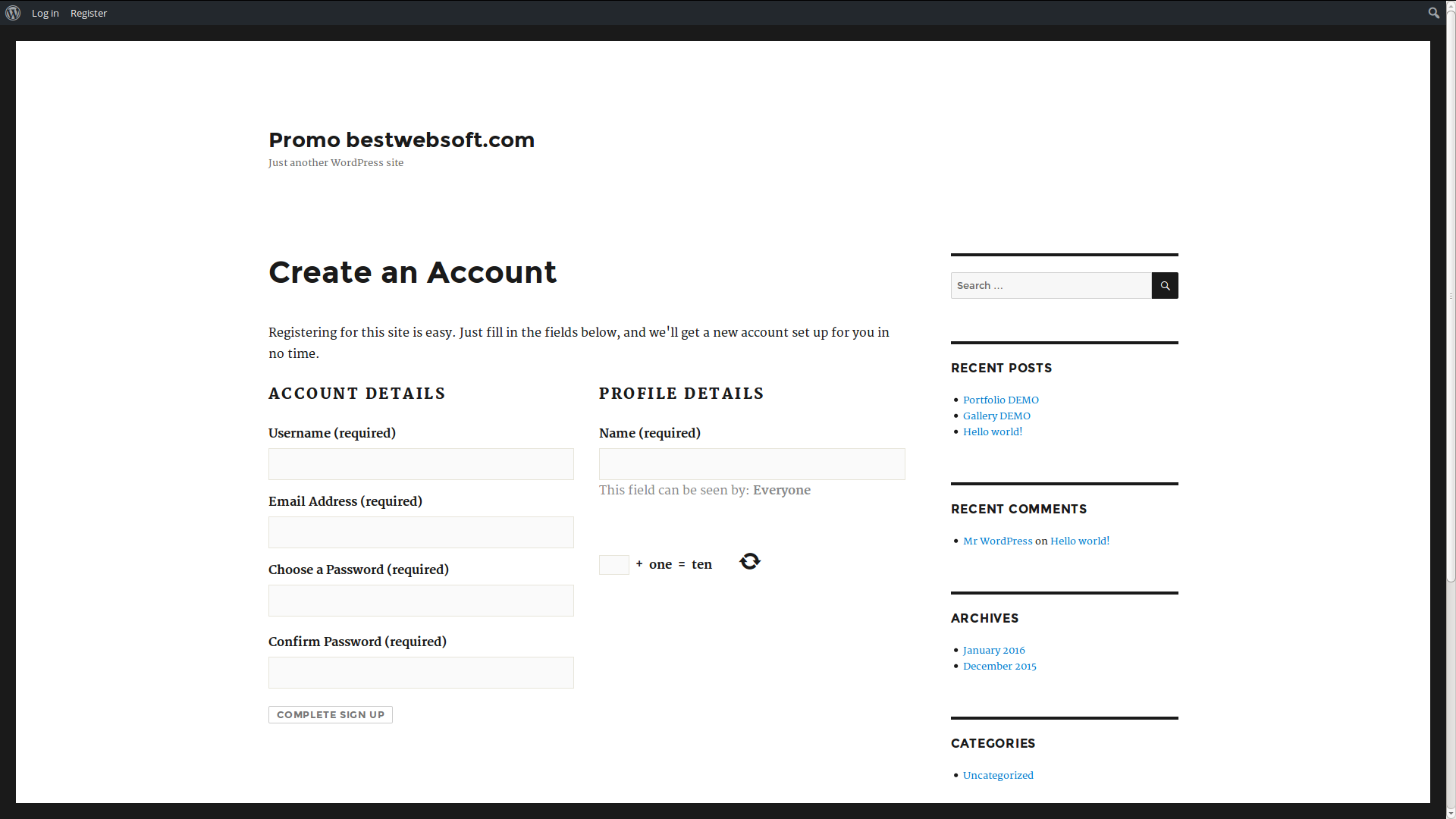
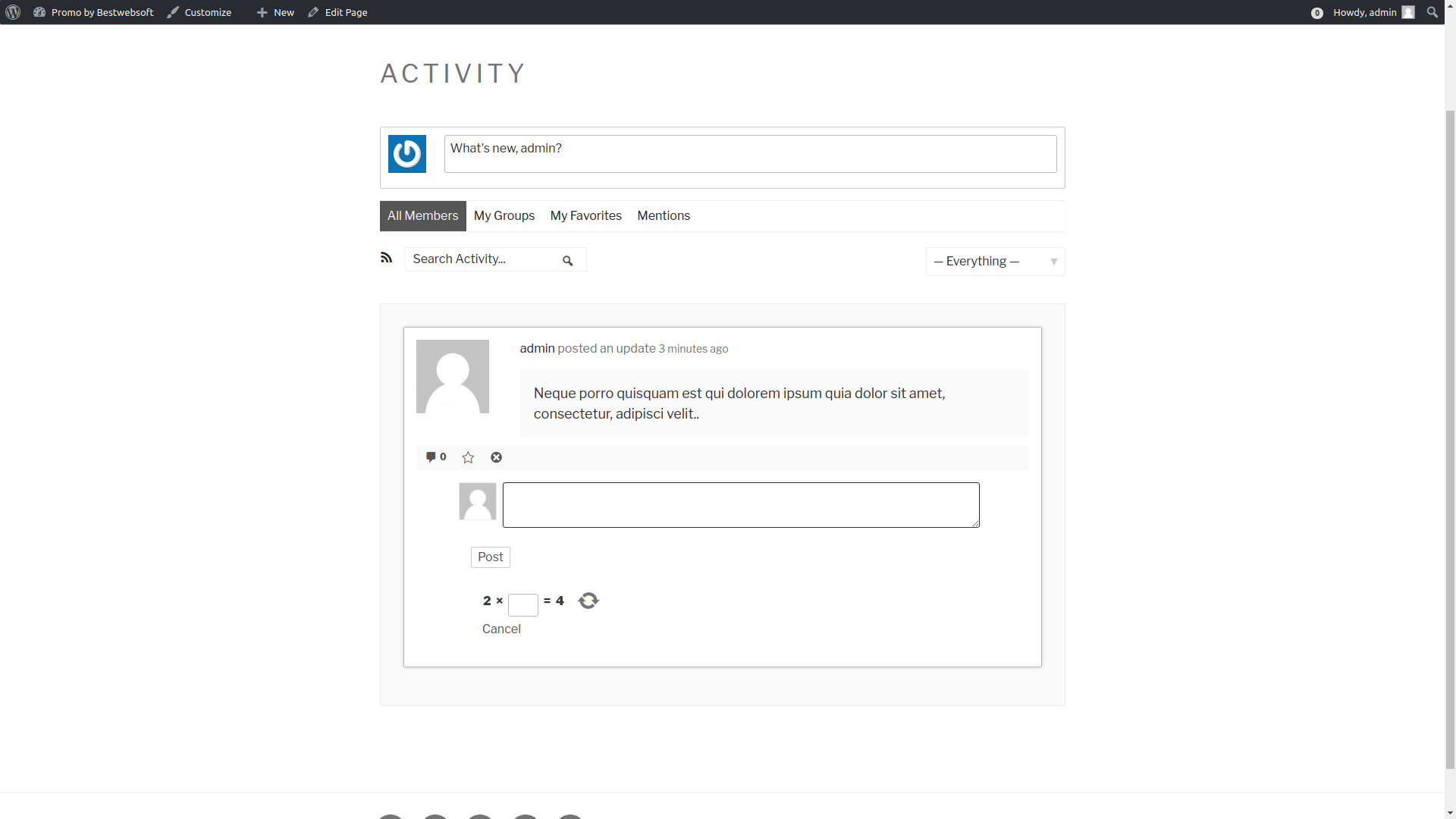
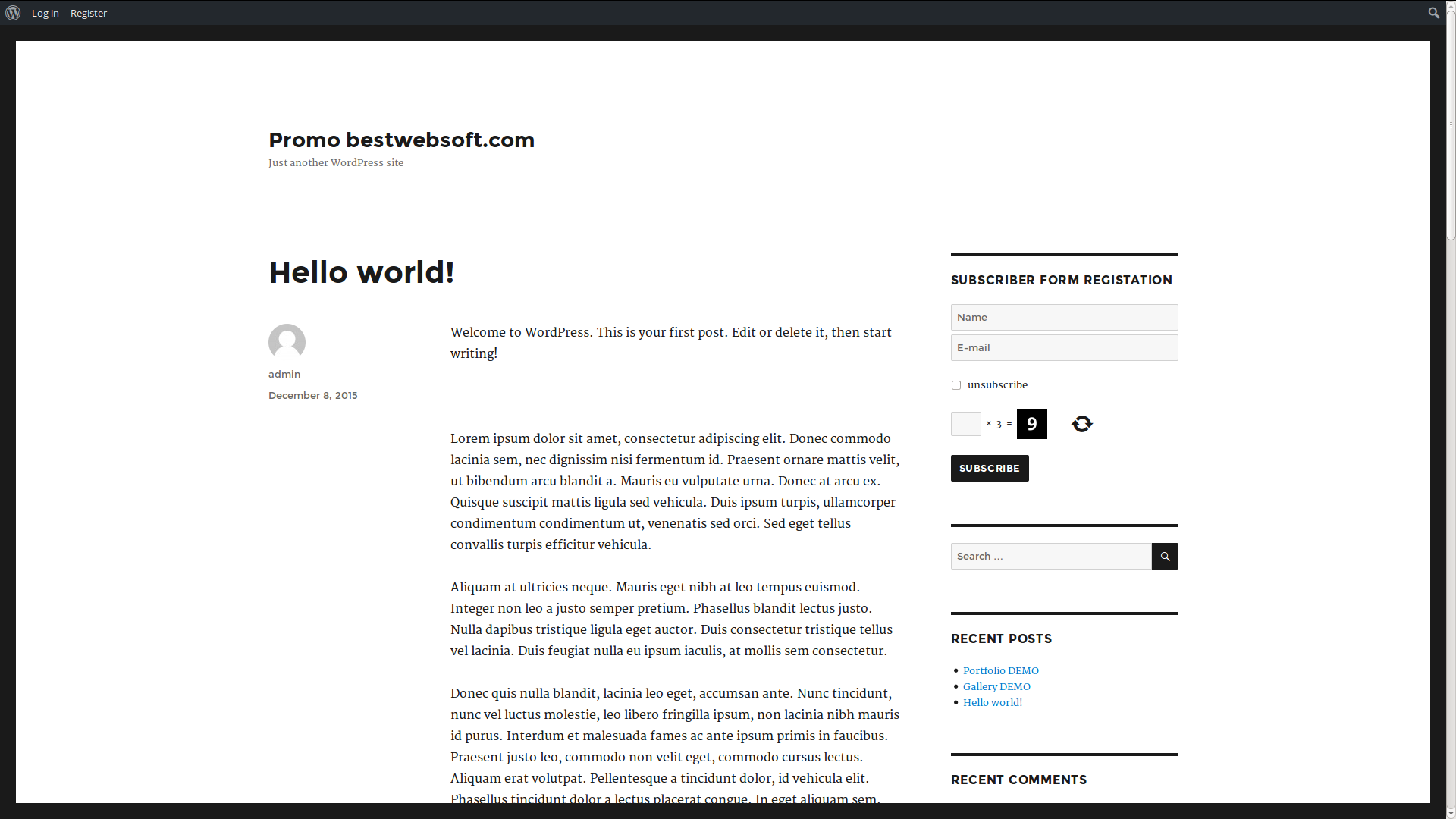
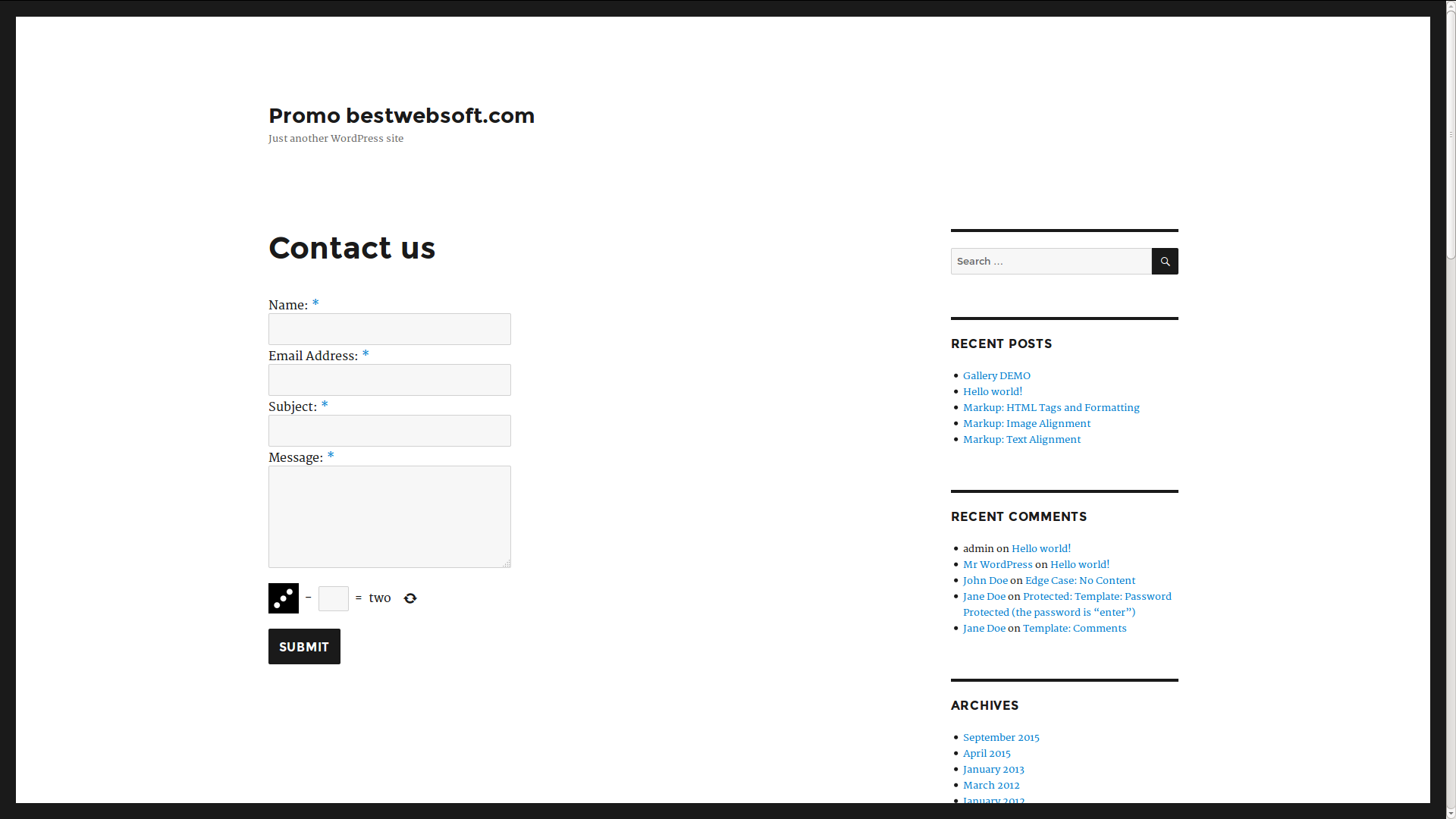
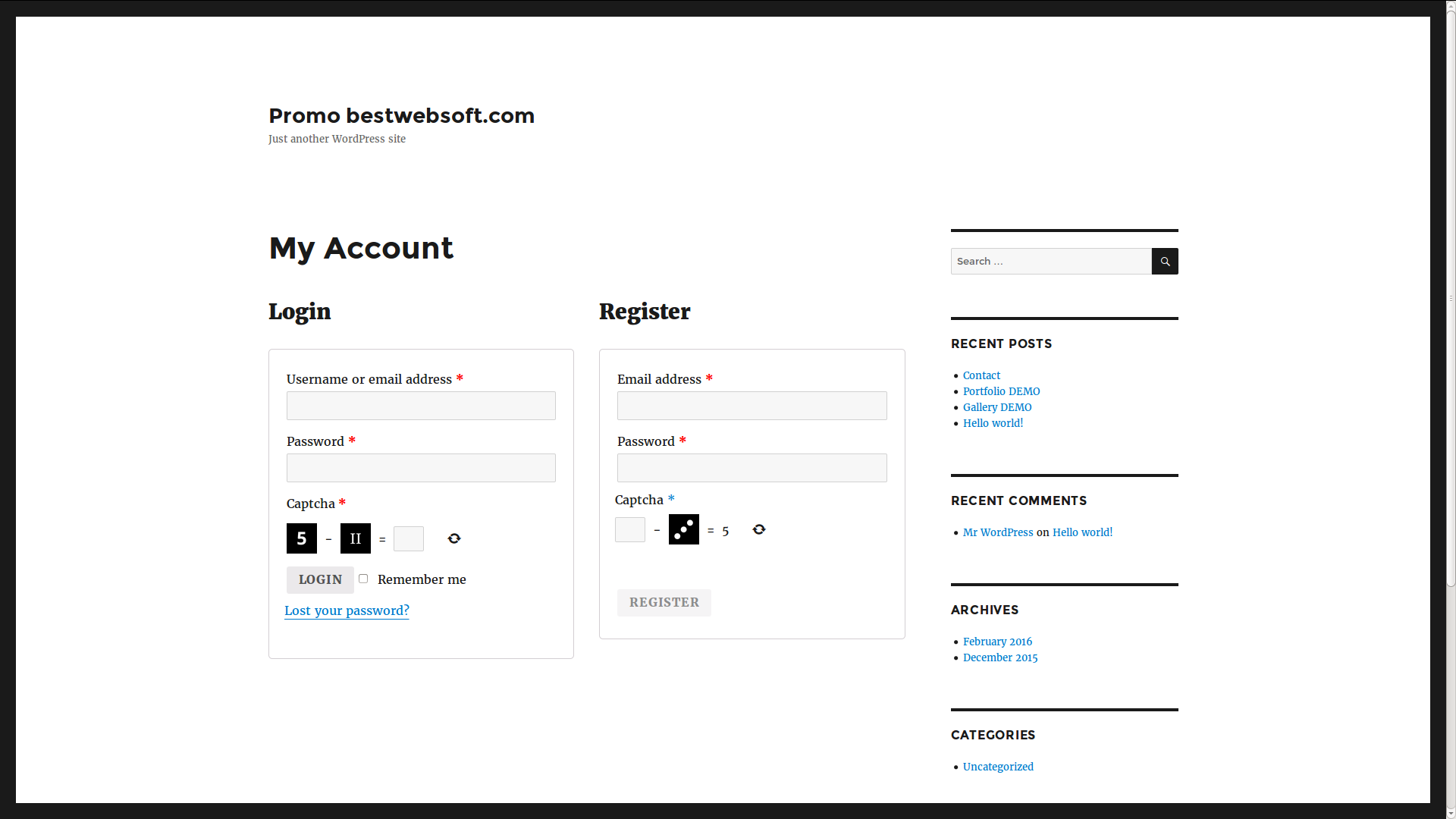
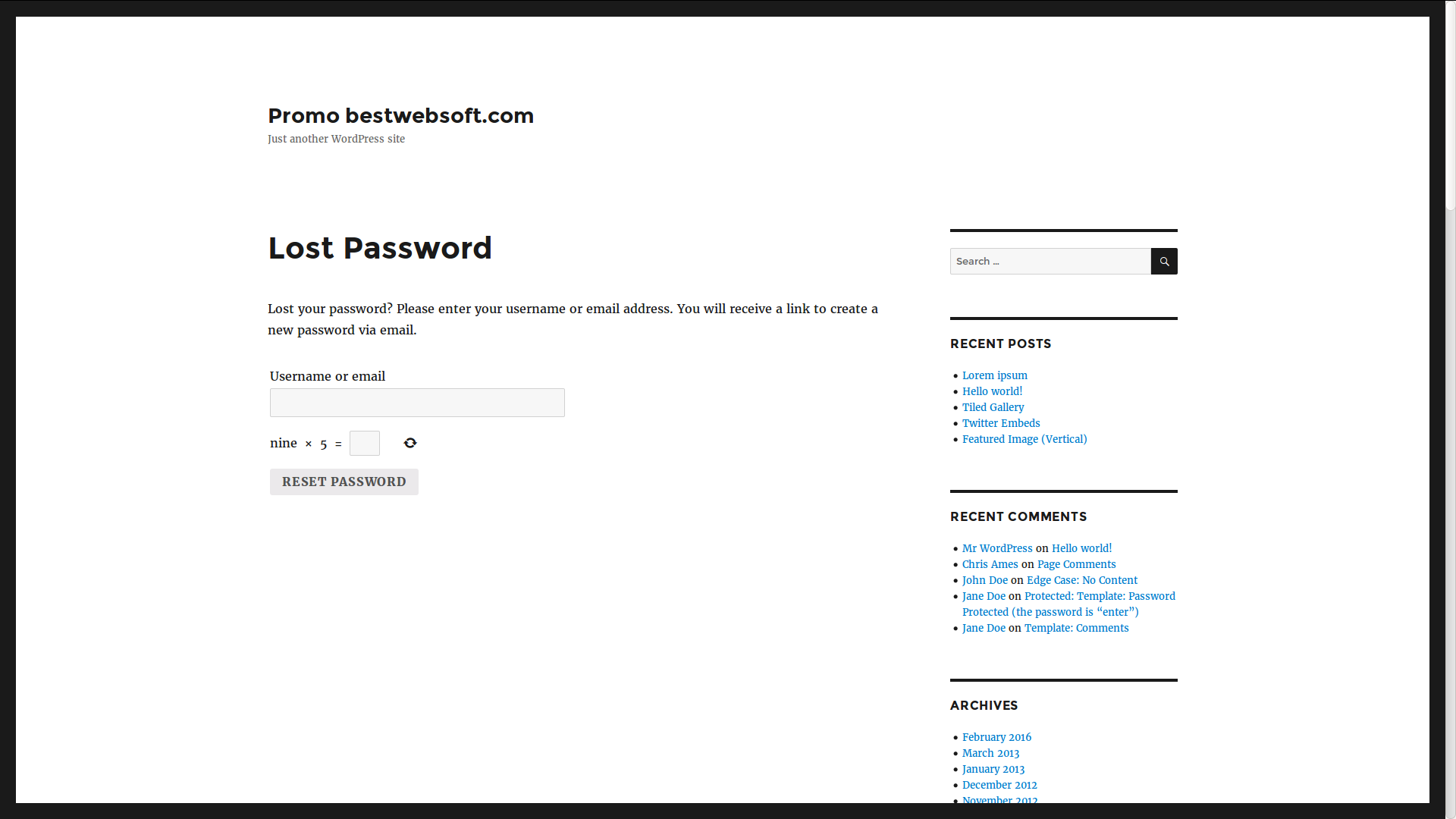
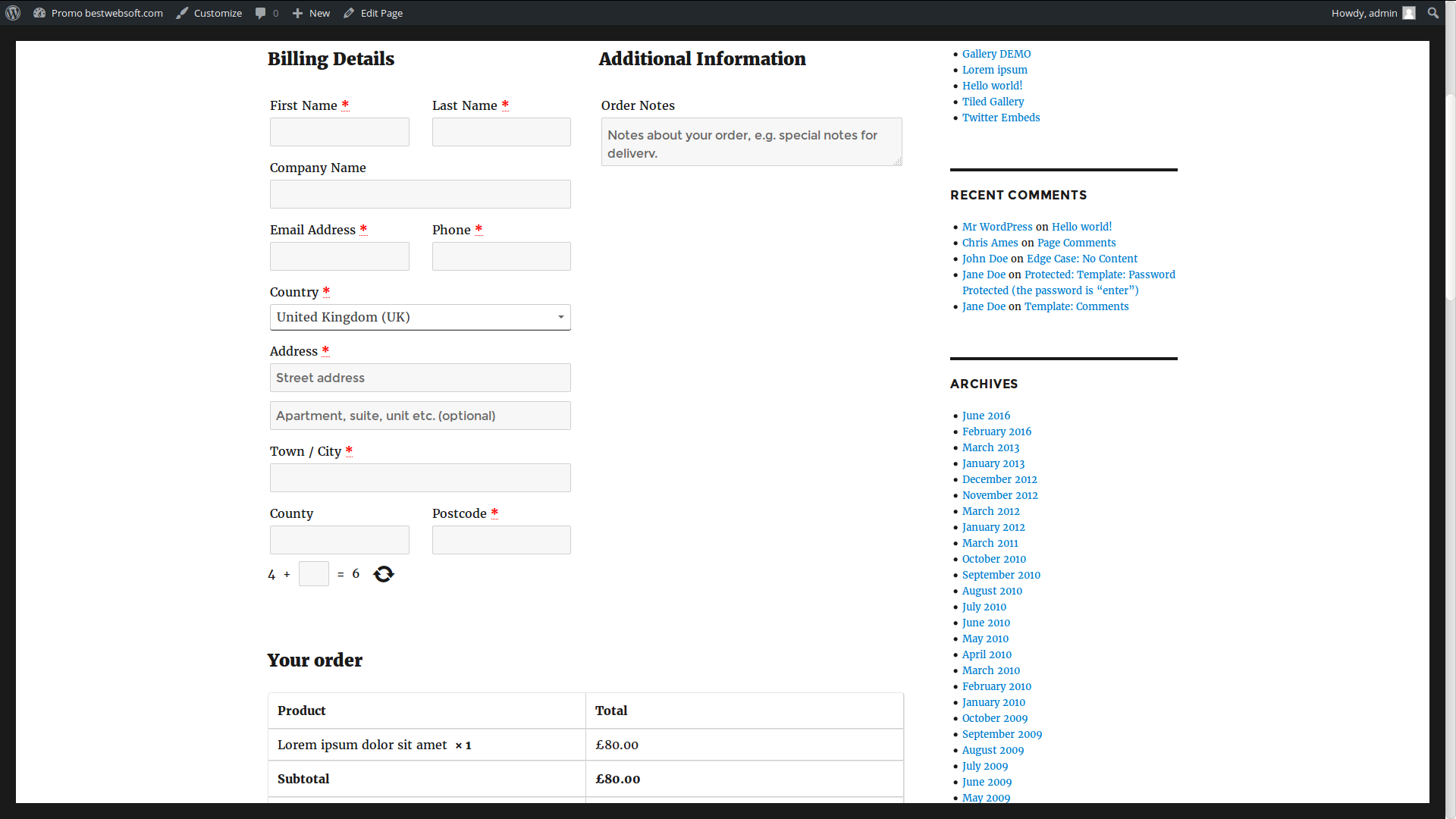
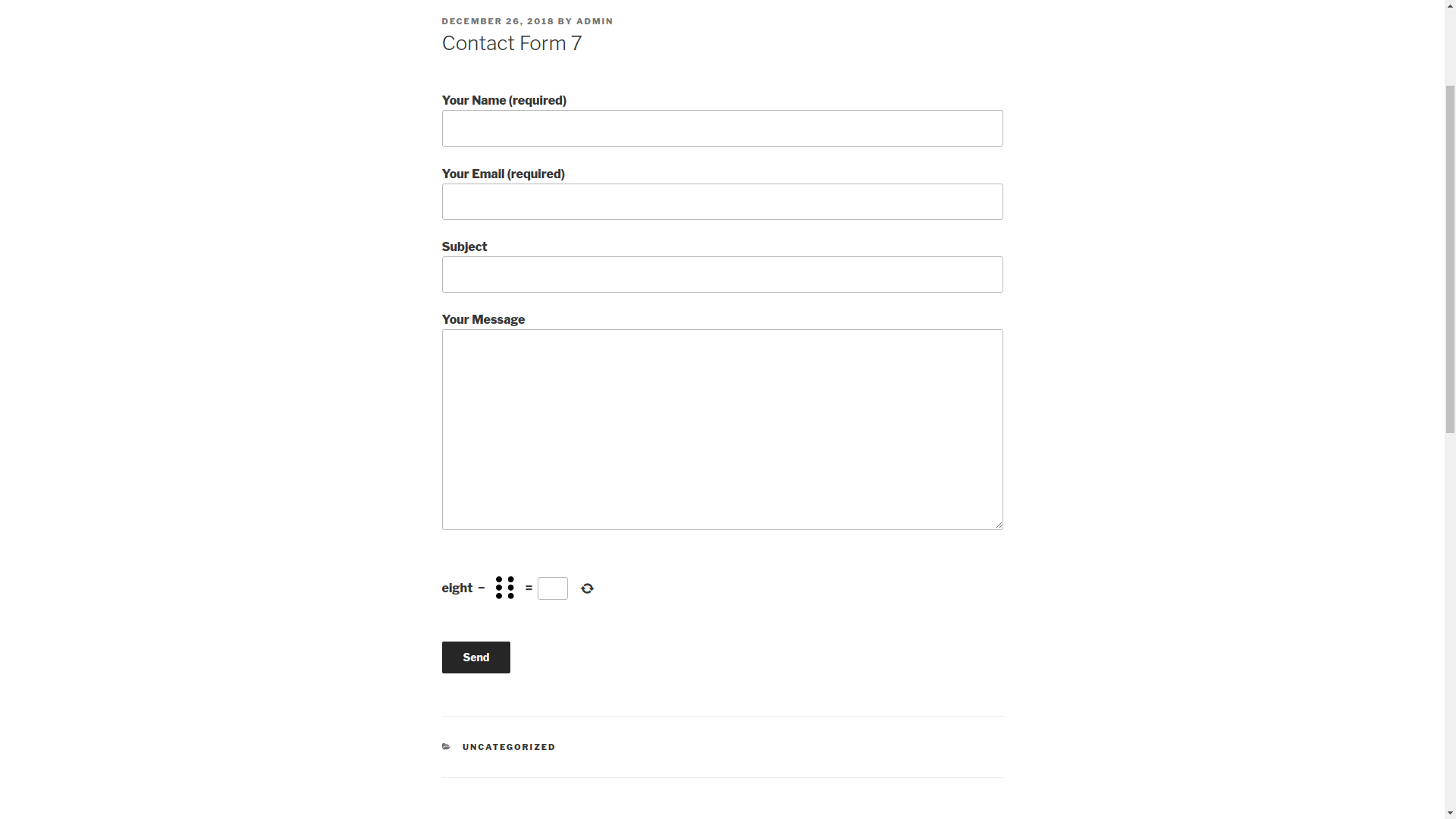
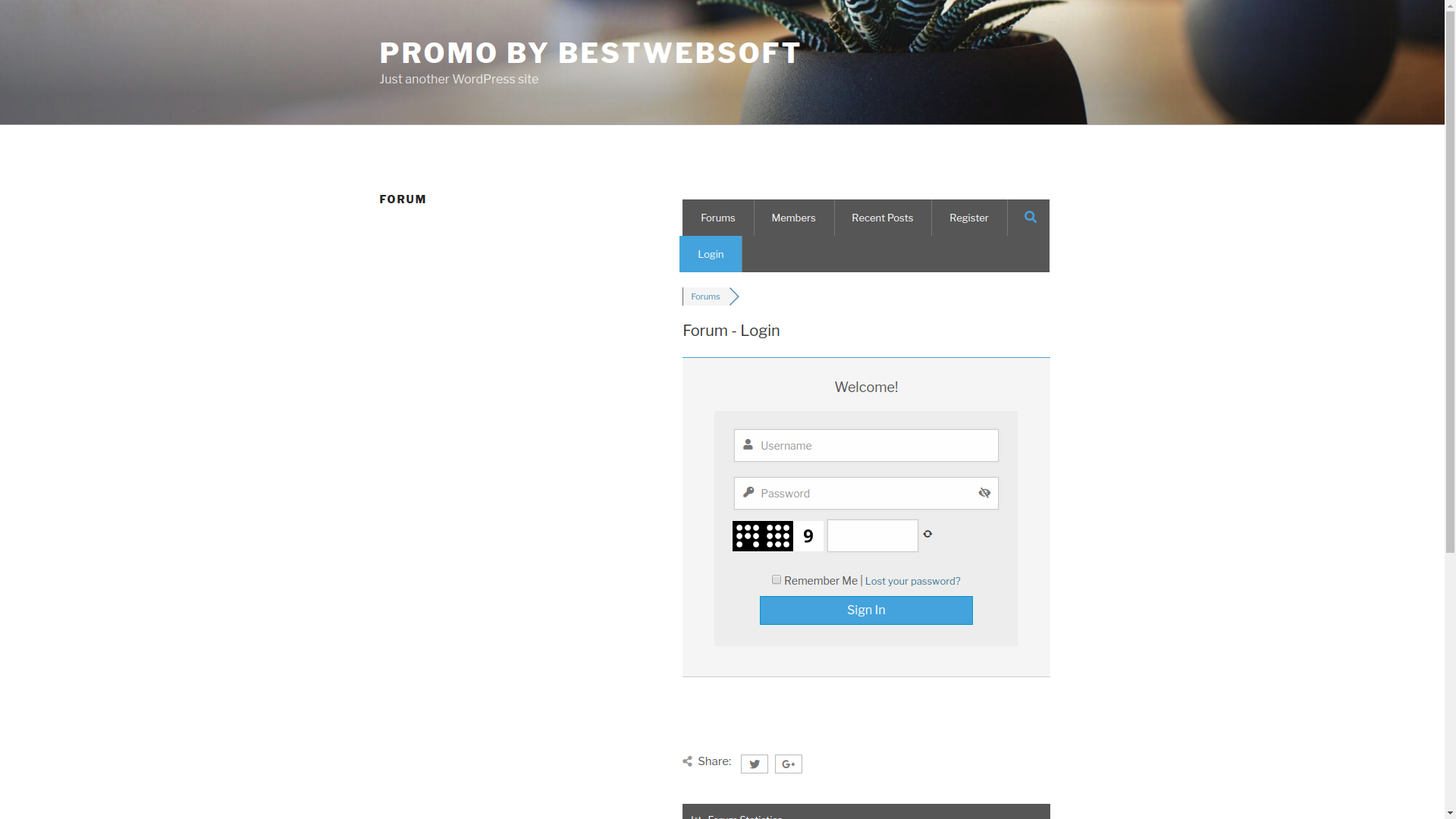
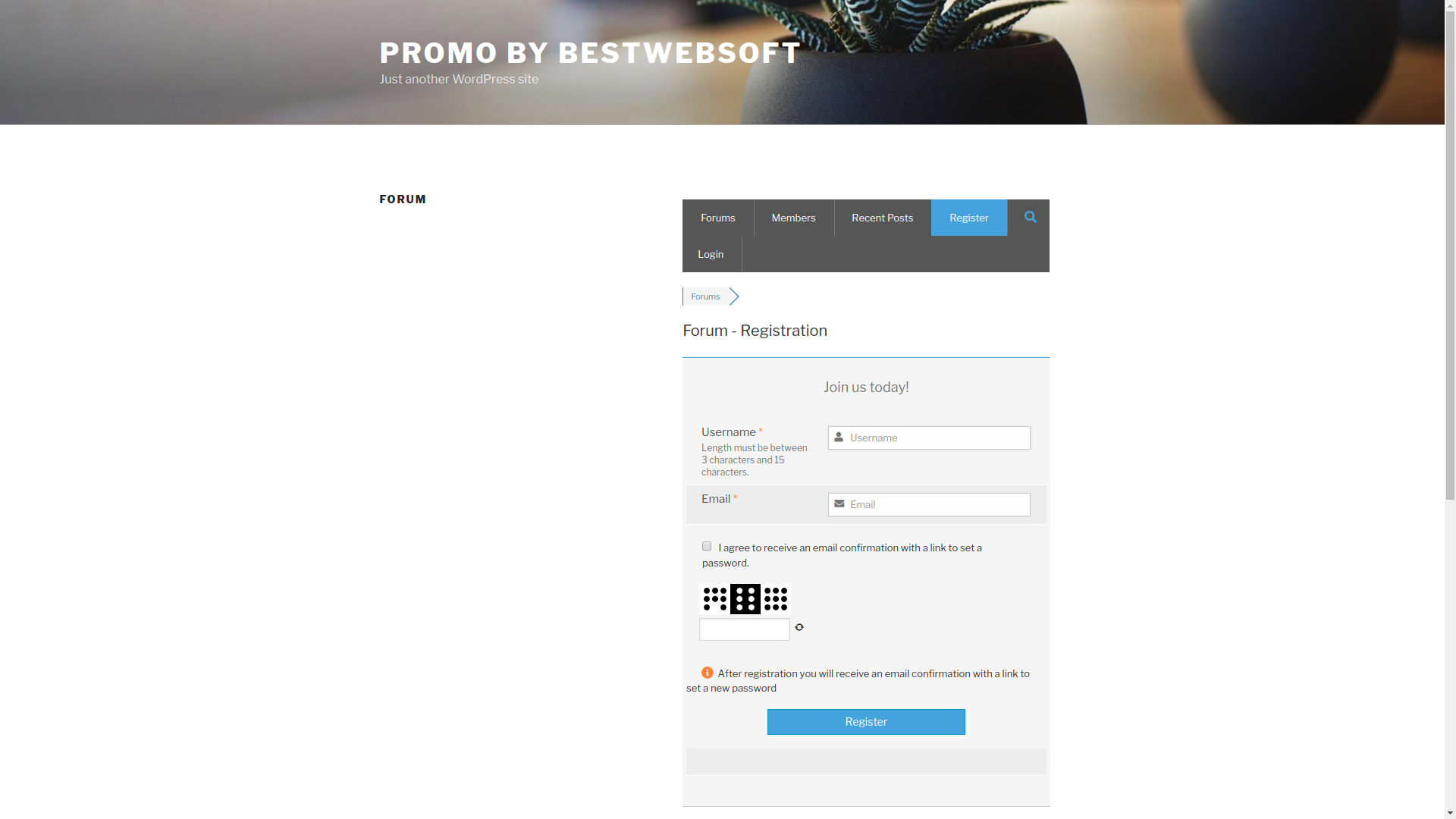
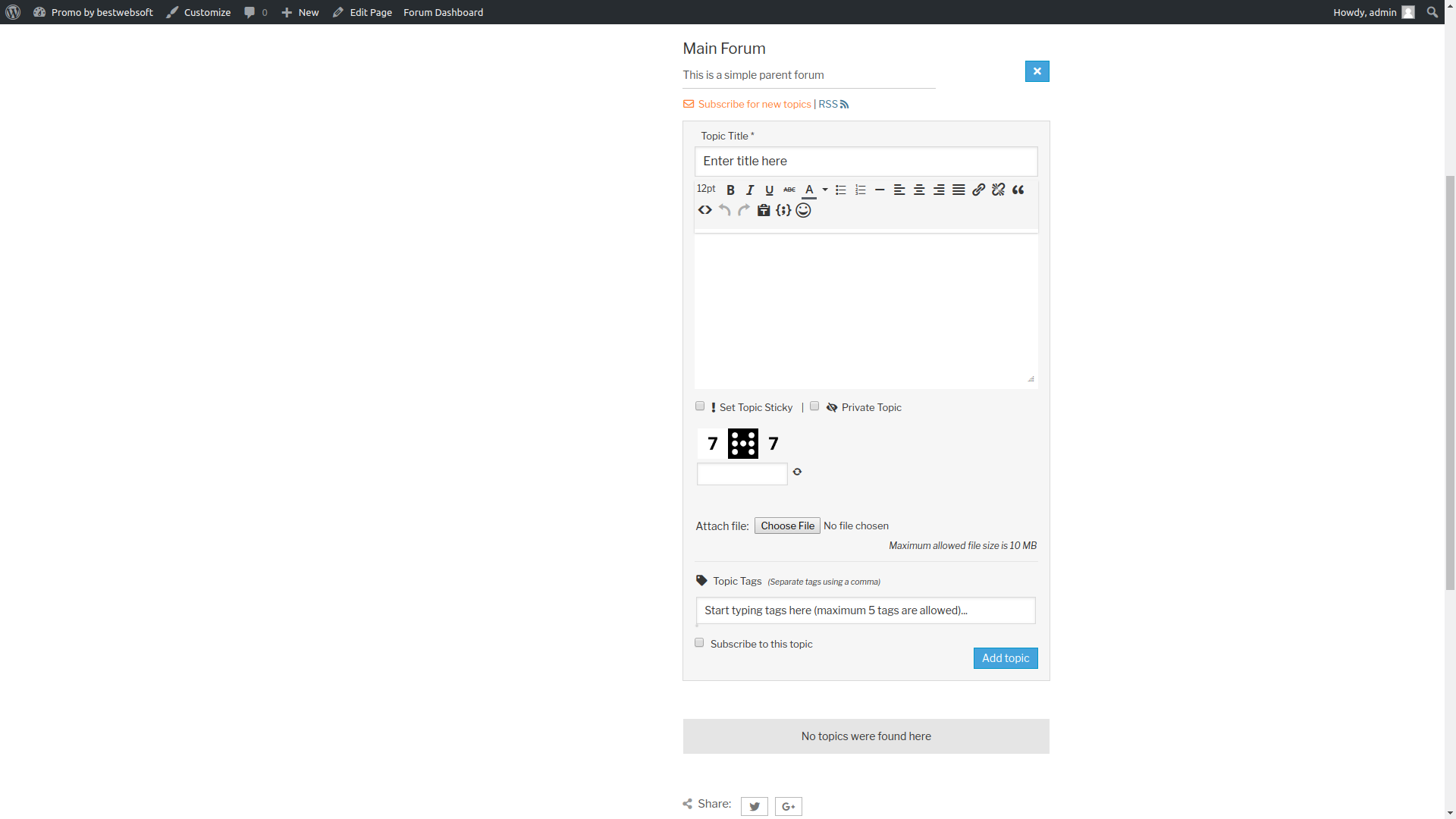
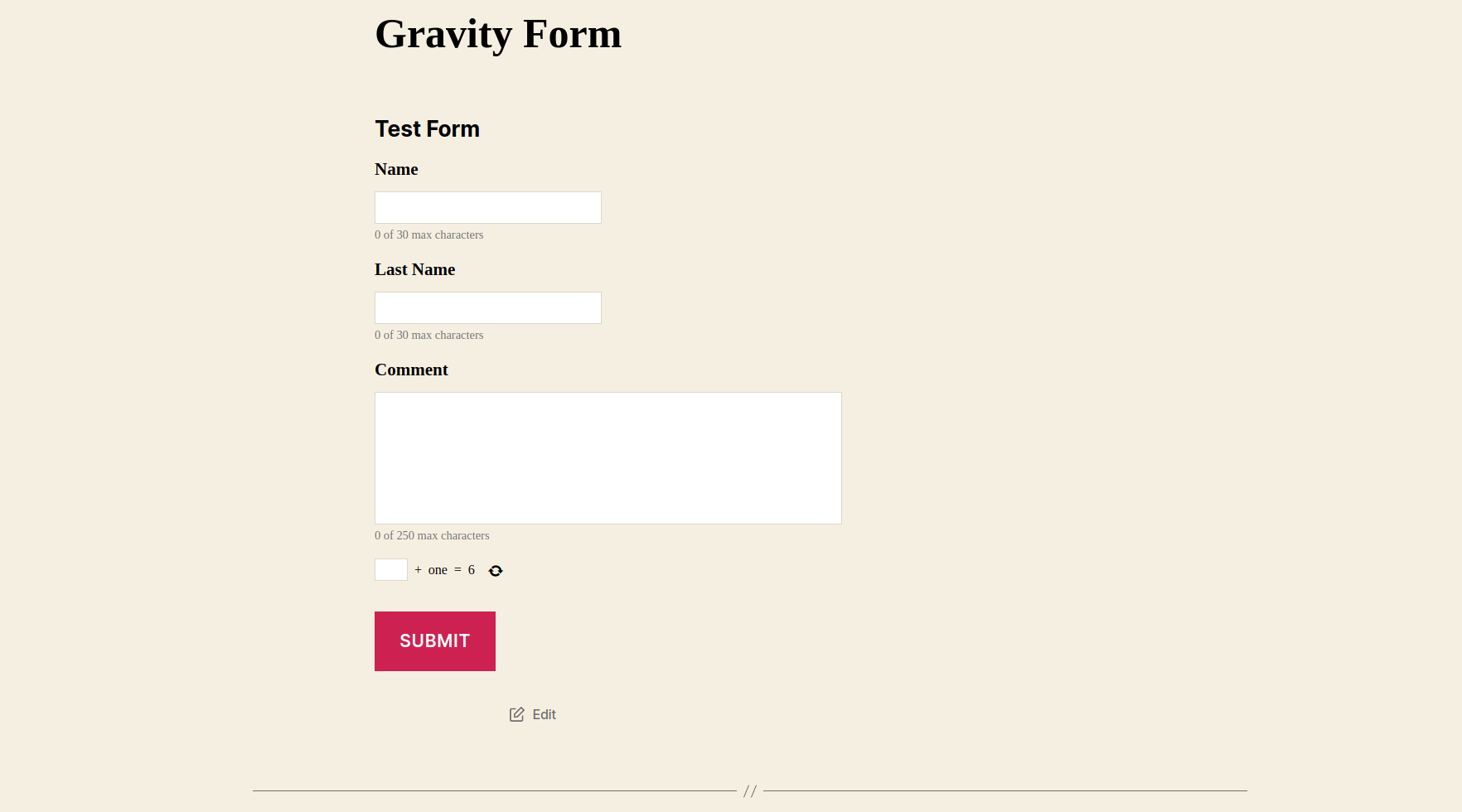
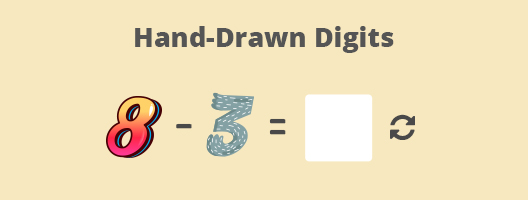
The Captcha plugin allows you to protect your website from spam by means of math logic and you can use this captcha for login, registration, password recovery, comments forms. The Russian, German and Dutch languages are added. FAQ Support

Features

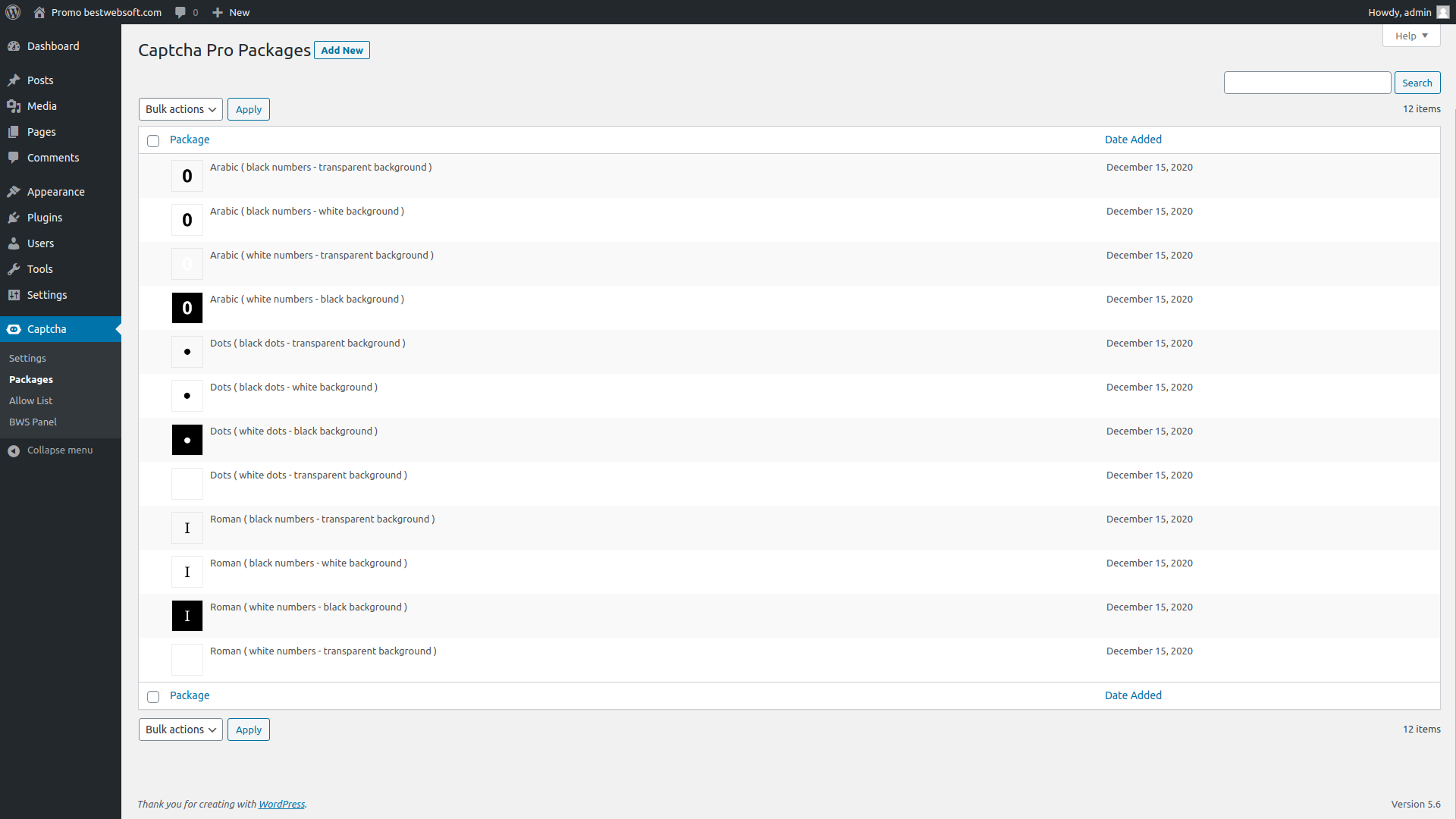
* Display: You can use letters and numbers in captcha or just one of these two things - either letters or numbers.

* Actions: The basic math actions are used - add, subtract, multiply.

* Label: You can add a label to display captcha in the form.

Translation

* Arabic (ar_AR) (thanks to Albayan Design Hani Aladoli)

* Brazilian Portuguese (pt_BR) (thanks to Breno Jacinto, www.iconis.org.br)

* Bulgarian (bg_BG) (thanks to Nick)

* Chinese (zh_CN) (thanks to Billy Jeans)

* Czech (cs_CZ) (thanks to Tomas Vesely)

* Danish (da_DK) (thanks to Byrial Ole Jensed)

* Dutch (nl_NL) (thanks to Bart Duineveld)

* Estonian (et) (thanks to Ahto Tanner)

* Greek (el) (thanks to Aris, www.paraxeno.net)

* Farsi/Persian (fa_IR) (thanks to Meysam Parvizi, www.mpspace.zio.ir)

* Finnish (fi) (thanks to Mikko Sederholm)

* French (fr_FR) (thanks to Martel Benjamin, Capronnier luc)

* German (de_DE) (thanks to Thomas Hartung)

* Hebrew (he_IL) (thanks to Sagive SEO)

* Hindi (hi_IN) (thanks to Outshine Solutions, www.outshinesolutions.com)

* Hungarian (hu_HU) (thanks to Bőm Tamás)

* Japanese (ja) (thanks to Foken)

* Italian (it_IT) (thanks to Gianluca Di Carlo)

* Lithuanian (lt_LT) (thanks to Arnas)

* Norwegian (nb_NO) (thanks to Tore Hjartland)

* Polish (pl_PL) (thanks to Krzysztof Opuchlik)

* Romanian (ro_RO) (thanks to Ciprian)

* Russian (ru_RU)

* Serbian (sr_RS) (thanks to Radovan Georgijevic)

* Slovak (sk_SK) (thanks to Branco Radenovich)

* Spain (es_ES) (thanks to Iván García Cubero)

* Swedish (sv_SE) (thanks to Christer Rönningborg)

* Turkish (tr_TR) (thanks to Can Atasever, www.candanblog.com)

* Ukrainian (uk_UA) (thanks to Oleg Bondarenko)

* Vietnamese (vi_VN) (thanks to NDT Solutions)

If you would like to create your own language pack or update the existing one, you can send the text of PO and MO files for BWS and we'll add it to the plugin. You can download the latest version of the program for work with PO and MO files Poedit.

Technical support

Dear users, our plugins are available for free download. If you have any questions or recommendations regarding the functionality of our plugins (existing options, new options, current issues), please feel free to contact us. Please note that we accept requests in English only. All messages in another languages won't be accepted. If you notice any bugs in the plugins, you can notify us about it and we'll investigate and fix the issue then. Your request should contain URL of the website, issues description and WordPress admin panel credentials. Moreover we can customize the plugin according to your requirements. It's a paid service (as a rule it costs $40, but the price can vary depending on the amount of the necessary changes and their complexity). Please note that we could also include this or that feature (developed for you) in the next release and share with the other users then. We can fix some things for free for the users who provide translation of our plugin into their native language (this should be a new translation of a certain plugin, you can check available translations on the official plugin page).

There are 91 comments:

  1. I’m a complete non-techie. Please would you let me know whether this plug-in is compatible with contact form 7 on WordPress 3.1.2?
    Many thanks!
    Mel

    • Unfortunately, it is impossible to implement another captcha into contact form 7 because it has its own captcha.

  2. calsnoboarder said:

    We were using your plugin up until today… there was an update to Jetpack and now both Jetpack and Captcha seem to be broken if you have the WP Stats and Captcha activated. Just thought you should know in case it isn’t just our site that was affected. We have a number of plugins installed, but I turned all of them off and activated them one by one until I singled out the problematic plugins. Jetpack will work if Captcha is not active. Captcha will work if jetpack is not active. The error I see when I try to enter the admin panel using IE (doesn’t seem to affect Chrome or Firefox):

    Warning: session_start() [function.session-start]: open(/tmp/sess_v5k6kunvm1tq6fdhp4oqahp1v1, O_RDWR) failed: No space left on device (28) in /home/CHANGEDPATHMIKELONGURL/wp-content/plugins/captcha/captcha.php on line 405

    • Please find string 405 in the ‘captcha.php’ file and change it to the string below:

      @session_start();

      After that save the file.

      • Alexander Kreisler said:

        I see this

        @session_start();

        is now on line 406, but, I still have this problem.

        Am using WP 3.5.1 with Jetpack.

        Is your *fabuluous* Captcha-Plugin still compatible?

        Many thanks for your advice!

        • Hello Alexander,

          1) BWS Captcha appears to work fine on WP admin login. – yes, it should be as it is on the registration form (if it is not customs form)
          2) BWS Captcha does not show on Email forms. – it is a customs form, the captcha can’t present there.

          Here is an instructions how you can add the Captcha to the customs form:

          1. Install Captcha plugin, activate it.
          2. Open file with the form (where it is necessary to implement captcha).
          3. Find the place where it is necessary to insert code to display captcha.
          4. Insert lines to display captcha

          `if( function_exists( ‘cptch_display_captcha_custom’ ) ) { echo ““; echo cptch_display_captcha_custom() } ;`

          If the form is html it will be necessary to insert the line with tags php

          `< ?php if( function_exists( 'cptch_display_captcha_custom' ) ) { echo "“; echo cptch_display_captcha_custom(); } ?>`

          5. It is necessary to add the lines in the function of check of the entered data (where it is checked what the user enters and if everything is correct the mail will be sent)

          `if( function_exists( ‘cptch_check_custom_form’ ) && cptch_check_custom_form() !== true ) echo “Please complete the CAPTCHA.”`
          or
          `< ?php if( function_exists( 'cptch_check_custom_form' ) && cptch_check_custom_form() !== true ) echo "Please complete the CAPTCHA." ?>`
          It is possible to enter this line in variable and display this variable in required place instead of `echo “Please complete the CAPTCHA.”`. If there is a variable (which is answered for the displaying of the errors) in the function of check so this phrase can be added to this variable. If the function returned true then you have entered captcha properly. In other cases the function will return false.

          3) BWS Captcha does not show on comments forms – the comments form depends of theme. If the theme does not have the special WordPress hooks, the captcha does not appears. But the functional of comments processing is standard, and WordPress do it itself, then appears the error that captcha does not fill.
          You should add the necessary hooks to the theme. It is not plugin error, it is theme error.
          We ca help you with this problem, but it is a paid service.

  3. Can you use the math Captcha function with formidable forms ? Having trouble figuring out how to use this plugin.

    • Instruction of ‘How to use Captcha in the custom forms’ is located in the ‘readme’ file in the folder with plugin or you can find information on the WordPress plugin’s page. If you’ll have questions regarding instruction, please contact us we will be glad to help you.

  4. Hey,
    Captcha plugin works a treat, however on my blog the captcha is kind of right next to the comment submit button. Is there a way to make it appear under the comment box and above the submit button. So it comment, captcha, submit.

    Thank you.

    • Please find the string below in the ‘comments.php’ file of your theme:

      do_action( 'comment_form_after_fields')

      And place it above the ‘Submit’ button.

  5. Hi,
    I emailed earlier about the captcha appearing right next to the submit button on the blog comments.

    I was given this advice:

    “Please find the string below in the ‘comments.php’ file of your theme:

    do_action( ‘comment_form_after_fields’)

    And place it above the ‘Submit’ button.”

    However that string does not appear in my themes comments.php file

    thanks again.
    Mark.

    • I moved: ID); ?> to above the submit button.

    • Moving the whole snippet to above the button was rather easy. It seems more difficult to remove the space between the title of the captcha and the input box for the answer. Can’t seem to figure out how to remove that space. Looks a bit “off” compared to the design as whole right now… :-/

      • Hello Marre,

        Please provide the page URL with form, so that we can give you the right recommendations.

        Kind regards

  6. Pingback: WP: Anti-spam for contact forms - DesignersTalk

  7. Eric Horstman said:

    Thanks for your very good plugin!
    I’m using it on several websites and installed it now in a wp network ( multisites ) Captha is working, but I can’t use the “settings” . error: not enough rights to change settings

    • Did it as superadmin.
      Activate it as superadmin and then you need to go to the sub website’s to be able to change the settings.

  8. Frank Müller said:

    Is it possible to add a autocomplete=”off” tag to captcha HTML input field?

    • You can add this tag to the source file of the plugin – the file captcha.php

  9. Hello,

    I would like to use your captcha system but On my website it takes place after the button to send the message, of the blow we do not see it good… Would it be possible to place it before ?

    Thank you in advance,
    Have a good day !

    • The call of Captcha is done with the help of hook do_action(
      'comment_form_after_fields'), do_action( 'lostpassword_form' ), do_action( 'register_form' ) and others – it depends on form where Captcha should be displayed. It is necessary to change the position of the line with hook in order to change the position of Captcha in the form – please open the file with the form and move the line above the button “Submit”.

  10. Juan de Marcos said:

    Hola amigo,

    The site is under construction. I´m not familiar with php or html (currently studying them) but in the past used to program in pre-historic languages (Basic, Pascal, etc). Not completely a profane.

    Here I go.

    I need to put before the send label of a subscribe2 form within a table which is inside a text widget in my home secondary bar your captcha plugin. Is that possible? Is there any code or php piece I can write directly within the form to call your plugin?

    Peace!

    Juan de Marcos

    • The following lines are used to call the plugin Captcha in the required place:

      if( function_exists( 'cptch_display_captcha_custom' ) ) { echo ""; echo cptch_display_captcha_custom() } ;

      The following lines are used to check the correctness of added Captcha:

      if( function_exists( 'cptch_check_custom_form' ) && cptch_check_custom_form() !== true ) echo "Please complete the CAPTCHA."

      This code should be inserted in code that is responsible for the clicking on the button “Send”. Instead of ‘echo “Please complete the CAPTCHA.” it is possible to write any other message or write other handler that is called when Captcha was entered incorrectly.

      • Please show example of custom form before and after the code is added.

        • Hello Kevin,

          Please clarify, what exactly you want that we show you?

          Kind regards

  11. im using compositio theme, and i had to install it manullay using that given code before, very useful
    thanks a lot!

  12. Hi. Using this plugin, looks great. Although on my custom form it still permits the registration to be sent despite not being completed, although does display the message ‘Please complete Captcha’ if not entered, how can I make it stop the form being sent unless entered correctly?

    Thanks

    • Hello Byron,

      It was necessary to add the check code to the right place together with the adding of captcha to code, otherwise captcha will be broken. Have you added the check code? Please describe actions you performed.

  13. Hello,
    Very thanks for your help !

    I am sorry but I did not understand what I have to make…

    On one side I have my comments.php file with these lines :


    <input name="submit" type="submit" id="submit" class="contact-submit submit" tabindex="5" value="” />
    <input type="hidden" name="comment_post_ID" value="” />

    … and on the other hand I have your plugin ” captcha ”

    What line do I have to move and in which file?
    My problem concerns only the captcha for comments.

    I thank you for your help a lot and wish you a beautiful day !
    Very thanks and sorry for my bad english.

    • Hello,

      if you want to change the position of Captcha in the form of comments, we should have access to your file comments.php.

  14. I have the version 2.34 of Captcha and WordPress 3.42 with Photocrati theme. Whenever I activate the plugin I am unable to login to the WordPress Admin even with captcha on login disabled. I enter my username and password then get a blank screen. Is there anything I can do to make it work

    • Hello Caevan,

      You should not do something else to make it work but there can be nuances in the work of the plugin with the theme.

  15. Hi I am using this plugin and in the comments section is missing the Arithmetic actions, here is an example below:

    one three =

    Please help

    • Hello Denisse,

      Please provide URL of the website and admin panel access in order to examine this issue.

  16. Hi,

    Thank you for the plug-in. I installed and activated the plug in and see it active on the WP login page. However, It is not showing up on a “Comments” page. This page in the timesten theme was renamed to “Contact Us” but it is actually the comments.php file in the theme folder.

    Any idea why the captcha is not showing up on the “Contact US” page?

    Thanks for the help.

    • Hello,

      These are features of the theme – may be the necessary file are not called? Or there is no call of the necessary hook in the file with the help of which Captcha should be displayed. Please send comments file and in order to understand the cause of this problem.

    • Hello Ani,

      It was necessary to implement Captcha verification code in addition to Captcha implementation (the instruction how to add captcha can be found in the file readme).

  17. Alexander Tölke said:

    Tutural for WPTouch Pro ??

    • Hello Alexander,

      Please send more detailed description about your problem.

  18. Hello I have the captcha plugin installed on my site and it works perfectly except when I put it on custom forms. I have the captcha displaying but it is not validating. I can submit forms with out putting anything in the captcha. What do I have to do so it can validate with the captcha?
    here is the link where you can test out the captcha on the custom form.

    http://www.maccam.tv/shop/1×1/litepanels-1×1-bicolor-flood/

    Thanks

    • Angel,

      it is necessary to add the following lines to the check function of the entered data (where it is checked what the user enters; if everything is correct the mail will be sent)

      `if( function_exists( 'cptch_check_custom_form' ) && cptch_check_custom_form() !== true ) echo "Please complete the CAPTCHA."`
      or
      `< ?php if( function_exists( 'cptch_check_custom_form' ) && cptch_check_custom_form() !== true ) echo "Please complete the CAPTCHA." ?>`

      It is possible to enter this line in variable and display this variable in the required place instead of `echo “Please complete the CAPTCHA.”`. If there is a variable (that is responsible for the displaying of the errors) in the check function, then this phrase can be added to this variable. If the function returned true, then you have entered captcha properly. In other cases the function will return false.

  19. Hi, the plug in works great but the text box to answer the math problem doesn’t so it is confusion to visitors.

    • Hello Jaime,

      Please add the following lines to the file style.css
      .cptch_block > input{
      float:none;

  20. Will you be updating this plugin to be compatible with WP 3.5. I am currently getting this error message that I did not get with WP 3.4.2

    PHP Warning: session_start() [function.session-start]: open(/var/lib/php/session/sess_vcoksthkq00vlpls8i9o6h21s3, O_RDWR) failed: Permission denied (13) in /home/public_html/…wp-content/plugins/captcha/captcha.php on line 405,

    Thanks

    • Hello Susie,

      The captcha needs a session for its work. And, I think, you have some problems with the session file – don’t have permission to record into the file, but it is not the plugin error, likely it is the particular server configurations.

      Kind regards

    • Hello Ilya,

      We are responsible only for appearance the error relatively to captcha and do this how it more comfortable, so as not to edit WordPress core.

      Kind regards

  21. Paul Sims Wright said:

    We are using theme WP-Church. In the comment page, the background is white and, while the captcha is there, the input box is near invisible. Would be confusing for users. Would like to be able to set the color and/or border of the input box. I suspect this is relatively simple CSS but I have never quite grasped the logic of CSS. I managed to put a border around the entire captcha query but cannot find the input box.

    Thanks for a wonderful plugin

    • Hello Paul,
      Regarding your question:

      .cptch_block > input{
      here write the necessary properties for captcha input
      }

  22. Thank you for Contact Form and the Captcha Plugin. On my Blog i have a problem with the Captcha Plugin. It is shown when i login, but it is not shown in the Contact and on a post.

    • Hello Marcel,

      Is it our contact form? If yes, then you have to put a tick for contact form in the Captcha plugin settings.

      Regarding the posts: you mean the comments form? Put the tick in the plugins settings + it can be the features of the theme. Not have the hook call – not have the captcha displaying.

      Kind regards

  23. Luca Mucchi said:

    Dear Sirs,

    using your captcha I resolved – in a few seconds – all tedious spam problem!!

    Thank you for your ability!! Regards, Luca

  24. drunkenadmin said:

    I’ve been happy with the Captcha plugin for several months now, but am wondering why the version suddenly went from 2.4.4 to 3.0 with what seems to be only a minor difference according to the changelog. Any hints? Thanks for the plugin – it’s great.

    • Hello,

      We had some difficulty with updating of plugin versions from 2,34 to 2,4,4 – in some cases, the WordPress didn’t show that plugin need the update.
      So we decided to produce the 3.0 plugin version instead of the 2.4.5 version.

      Kind regards

  25. How can I get the text (for example “Captcha” like you can see below) and the form with the equation in one row?

    • hello Holger,

      You can add the changes to the file captcha.php.
      the sting 812
      $content .= ‘
      ‘;
      change to
      $content .= ‘ ‘;

      But when you will update plugin these changes will be removed and you should to add them again.

      Kind regards,
      Valeria.

  26. I have installed and enabled the captcha plugin and while it does work it also causes two php error messages at the bottom of the login page.

    Warning: Unknown:Open(/……..) failed: No such file or directory (2) is Unknown on line 0

    Warning: Unknown: Failed to write session data (files). Please verify the current setting of session.save_path is correct () in Unknown on line 0

    • Hello Orion,

      The plugin needs an availability session at server for correct work.
      You don’t have this session – the access to session file is
      impossible, that’s why you see error.

      Kind regards

  27. Hi there,

    I was using and loving this plugin, but I’m now using the comments form from JetPack and it doesn’t seem to work fine: the captcha field doesn’t show up in the form but when user click on “send” they get the error message from not filling it. Ideas why?

    Thanks!

    • Hello Aderojas,

      Perhaps, your theme or plugin (the comments form from JetPack ) doesn’t support the functional (the necessary hooks) for captcha displaying, but the WordPress supports the hooks for all form checking (registration and comments), that’s why you see errors, not captcha.

      Kind regards

  28. Hi.

    I have comments, login & registration disabled at my site; but I am using a Postcards plugin which desperately needs some kind of Captcha.

    I just tried yours, hoping it would work (I’m not a programmer!) — but it didn’t, and obviously wasn’t intended to.

    I don’t know if it’s possible, but my suggestion is to extend your captcha to also take care of other plugins that have forms, but don’t have captchas.

    Thanks for thinking about it.

    This is my draft Postcards page:

    http://wordpressera.com/theme-gallery-3/

    • Hello,
      Our plugin has this opportunity.
      Please follow the instructions below.
      = I would like to add Captcha to custom form on my website. How can I do this? =
      1. Install Captcha plugin, activate it.
      2. Open file with the form (where it is necessary to implement captcha).
      3. Find the place where it is necessary to insert code to display captcha.
      4. Insert lines to display captcha
      if( function_exists( ‘cptch_display_captcha_custom’ ) ) { echo ““; echo
      cptch_display_captcha_custom() } ;
      If the form is html it will be necessary to insert the line with tags php
      < ?php if( function_exists( 'cptch_display_captcha_custom' ) ) { echo
      " />“; echo cptch_display_captcha_custom(); } ?>
      5. It is necessary to add the lines in the function of check of the
      entered data (where it is checked what the user enters and if everything
      is correct the mail will be sent)
      if( function_exists( ‘cptch_check_custom_form’ ) &&
      cptch_check_custom_form() !== true ) echo “Please complete the CAPTCHA.”
      or
      < ?php if( function_exists( 'cptch_check_custom_form' ) &&
      cptch_check_custom_form() !== true ) echo "Please complete the CAPTCHA."
      ?>
      It is possible to enter this line in variable and display this
      variable in required place instead of echo “Please complete the
      CAPTCHA.”.
      If there is a variable (which is answered for the displaying of the
      errors) in the function of check so this phrase can be added to this
      variable. If the function returned true then you have entered captcha
      properly. In other cases the function will return false.

      Kind regards

  29. James Alexander said:

    A well trittend and simple to use plugin.

  30. Matt Shelton said:

    Hi, I’m using the responsive theme. The captcha shows up, but does not prevent commenting if left blank or answered incorrectly. comments.php uses the comment_form() function rather than do_action(comment_form …). Does that matter and if so, what can be done? Thanks!

    • Hello Matt,

      Please provide a page URL with form, so that we could analyze it better.

      Kind regards

  31. I’ve changed the “Label for CAPTCHA in form” to “Security Question” on my settings page for this plugin. When someone forgets to answer the question (which happens because the question appears at the TOP of the form for some reason), the error page says “Please complete the CAPTCHA”. I’m certain that the users of my site have no idea what CAPTCHA is, and this error confuses them. The plugin should automatically replace “CAPTCHA” with my defined text of “Security Question”.

    I know that I can edit the error message in the plugin file to fix this, but as soon as you release an update my changes will be overwritten… so this needs to be changed on your next update.

    • Hello Harold,

      Thank you very much.

      We will fix it in the nearest future.

      Kind regards

  32. Hi There,

    Firstly, thanks for this plug-in.

    I am currently trying to integrate the captcha function into the plug-in IQ Testimonials that I have downloaded. This plug-in helps to create a custom for which allows testimonial submissions.

    I am currently facing 2 challenges.
    1. I have inserted your captcha generation code just before the ‘submit’ button but it always appear at the top of the page

    2. I’m not too sure on where I should insert the captcha ‘check’ code.

    Any advice on this is greatly appreciated. Thanks in advance.

    • Hello,

      Thank you for contacting us.

      1. I have inserted your captcha generation code just before the ‘submit’ button but it always appear at the top of the page – please implement this code, but not through echo, make return instead of it.

      2. I’m not too sure on where I should insert the captcha ‘check’ code. – you should insert it where you have a fields checking of existing form.
      We can help you with implementation, but this is a paid service. Is it suitable for you?

      Kind regards

  33. Hi.
    I have installed Captcha but it does not appear on the user registration screen. Could you please provide details of how I can add it?

    Thanks in advance, Paul

    • Hello Paul,

      You should select necessary parameters for you on the plugin settings page and save changes.
      The captcha will be displayed, if you use the standard page of registration, login, comments form. In the custom form and pages, you should add changes to it, so that the captcha will be displayed and will work correct.

      Kind regards

  34. How can i move my captcha with a CSS code that it will be under my textarea?
    You’ll find my contact form here:www.svonderdendam.nl/contact/

    Tnx for your help!

    • Hello Dennis,

      Please add these strings to the css file of your theme:

      .cptch_block {
      padding-left: 85px;
      }

      Kind regards

  35. Hi,
    I added your plugin to my site web.
    The problem is that the captcha is displayed correctly, but I can send the form without making the calculation!! or also with a wrong calculation.

    • Hello,

      Did you add the functional for captcha checking? Is it a custom form? Or it is comments?

      Kind regards

      • I also have the problem that Evocenter has.

        It is placed on a custom form and the function for captcha checking is in place.

        • Hello Jeff,

          I.e. you added the captcha to the custom form, but this form is sent with even
          not filled or incorrectly filled captcha.
          If we understand you correctly, you placed the functional of captcha checking incorrectly.

          Please follow the instructions below.
          1. Install the Captcha plugin and activate it.
          2. Open the file with the form (where you would like to add the captcha to).
          3. Find a place to insert the code for the captcha output.
          4. Insert the necessary lines:
          `if( function_exists( ‘cptch_display_captcha_custom’ ) ) { echo ““; echo
          cptch_display_captcha_custom() } ;`
          If the form is HTML you should insert the line with the PHP tags:
          `< ?php
          if( function_exists( 'cptch_display_captcha_custom' ) ) { echo
          " />“; echo cptch_display_captcha_custom(); } ?>`
          5. Then you should add the lines to the function of the entered data checking
          `if( function_exists( ‘cptch_check_custom_form’ ) &&
          cptch_check_custom_form() !== true ) echo “Please complete the
          CAPTCHA.”`
          or
          `< ?php if( function_exists(
          'cptch_check_custom_form' ) && cptch_check_custom_form() !==
          true ) echo "Please complete the CAPTCHA." ?>`
          You could add this line to the variable and display this variable in the
          required place instead of `echo “Please complete the CAPTCHA.”`. If
          there is a variable (responsible for the errors output) in the check
          function, this phrase can be added to this variable. If the function
          returns ‘true’, it means that you have entered captcha properly. In all
          other cases the function will return ‘false’.

          Kind regards

  36. Where i must put the code to make the vaidation??

    Is it correct in wp-comments-post.php ?

    Thanks.

    • Hello,

      If your theme is correctly specified, then you should only set the settings in the admin area and the captcha will appear automatically in the standard registration page, in the login page and in the comments.
      Did you set the settings in the admin area?

      Kind regards

  37. It would be great if your info page noted righted up front that this doesn’t work with contact form 7. I just spent 40 minutes trying to figure this out. Thank you!

    • Hello Sally,

      Our plugin doesn’t work with contact form 7, because the contact form 7 plugin have already its own captcha and it is impossible to implement the other captcha there.

      Kind regards

    • Reply to the received email:

      Please see the following image to understand
      what I want. The image has two seperated parts (by the black bar).

      The above shows the current comment-form with your plugin activated. As
      you can see, it’s not aligned very well.

      The second part of the image is a screenshot of contact form at the contact page. That page has a different / custom captcha. but I like the style and format of it.

      How can I edit your plugin so it matches the captcha on my contact-form? I want the exact same size, style of math and the text: “Please proof that you are human by solving the equation*” underneath it.

      Image / Screenshot: http://www.justinwust.com/captchaform.jpg

      • Hello Justin,

        You can’t do this with help of styles (css), it is necessary to change the plugin code.
        We can do this customization for you. But this is a paid service.

        Look forward to your feedback.

        Kind regards

    • Hello Justin,

      Please send us a screenshot how you want that the captcha will be placed or describe t in more details.

      Kind regards

  38. Kate Walker said:

    Hi, I have set up the plugin and got really excited when I didn’t get an error but unfortunatley when I leave the box blank or put in the wrong number it still sends the message anyway.

    • Hello Kate,
      Please let’s clarify, you added the captcha to the custom form and it doesn’t work there?

      Kind regards

  39. How do I change the label color for example “5 x eight”?

    P.S thank you for these 2 great plugins the contact form and captcha they’re really helpful for my site.

    • Hello Mark,
      Please add these lines to style.css of your theme:

      .cptch_block {
      color: #FFFFFF;
      }

      Kind regards

Leave a Reply

Your email address will not be published. Required fields are marked *

+ eight = 10