

There two issues used to backup your WordPress web site: Files and Database.

Now we will talk about files.


There two issues used to backup your WordPress web site: Files and Database.
Now we will talk about files.
WordPress should always be updated to the latest version. You will receive a message informing about an update in your WordPress Admin Screens whenever a new version of WordPress is released. In order to update the system, you have to click the link included in the message.
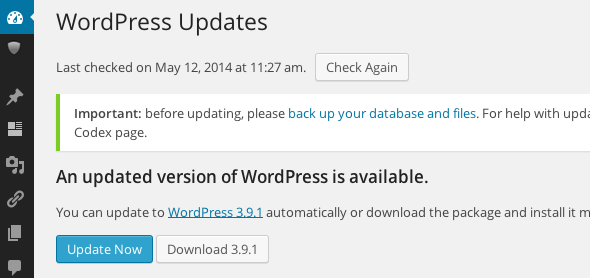
WordPress can be updated in two ways, so you are free to choose the one that best suits your needs. One-click update is the easiest method, which will work fine for the majority of people. However, in case WordPress fails to upgrade, or you wish to participate more actively, the update process can be performed manually.

